This is a Quick Start Guide for new users giving you an overview of the steps you will perform to get started with your new account and log in to the system.
The Basic Steps are:
Step Action Performed By 1 Admin creates your user account and sends Welcome Email to your email
Admin/User 2 Create Password
User 3 Log in
User
Step 1: Welcome Email
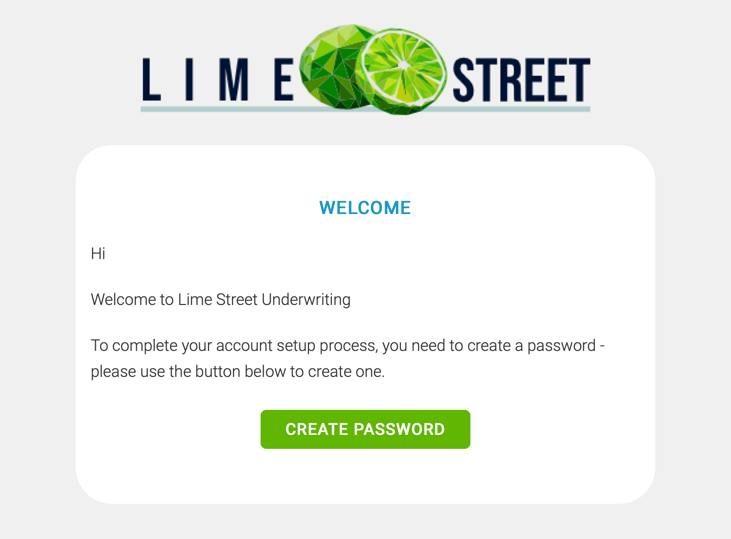
Open your email application and look for the welcome email.
Example of Welcome Email:
Step 2: Create Password
In the email, click on the Create Password button. This will take you to the Set Passphrase page.
Example of Set Password Page:
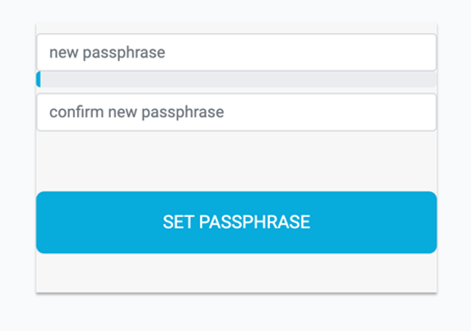
Enter a new passphrase and the confirm passphrase in the boxes. The color bar between the boxes will indicate the strength of your passphrase.
Press the ‘Set Passphrase’ button. Your password is now set up and you are ready to log in to the Lime Street Marketplace Console.
This will take you to the login page where you can use your email address and new passphrase to log in to the console.
Step 3: Logging In
After creating your password, you will automatically be redirected to the login page or alternatively, if you have previously created your password browser go to the Lime Street Marketplace Console site in your browser to display the login page:
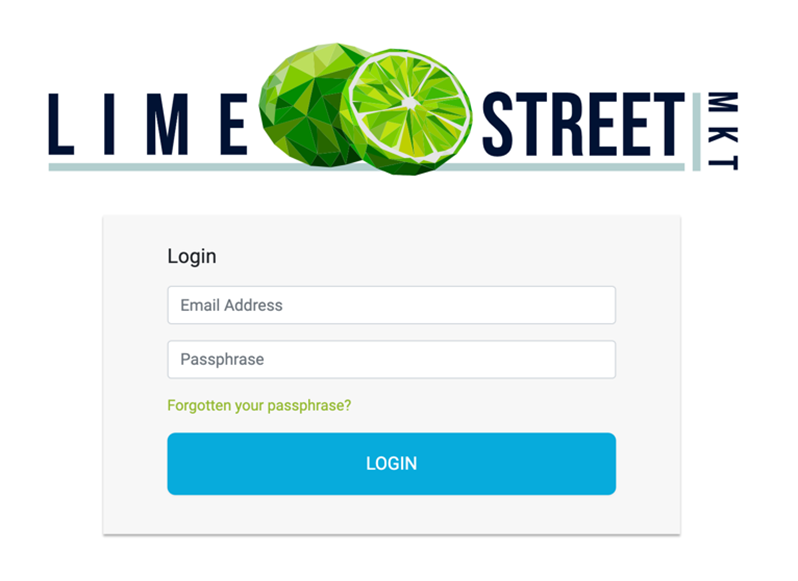
Enter your email address in the Email box and your password in the Passphrase box, then press the Login button.
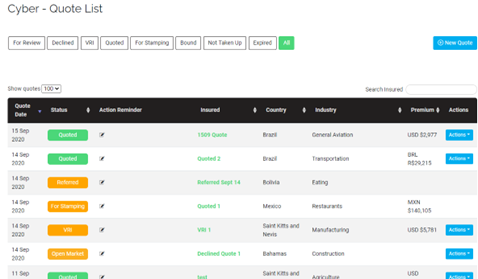
The splash screen for the Lime Street Marketplace will be displayed, allowing you to select a product to view the Quotes List:

Here's some articles to get you started:
What to expect when you first log in - Products menus
Accessing Quotes - Quote List
Create Quotes - Brokers only