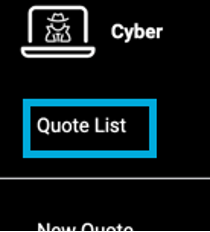
The Quote List page displays your company’s quotes for the selected product. It can be accessed by pressing the Quote List option in the Product Menu:
Example of Quote List Page:
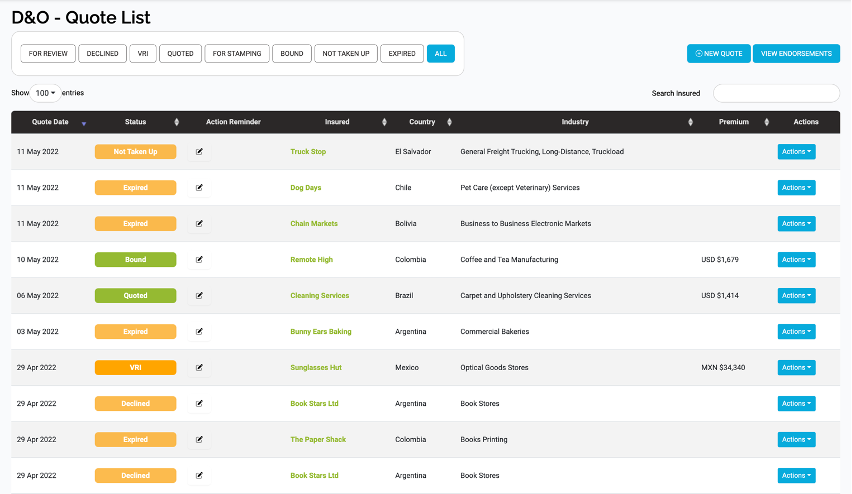
This page shows a Quote List, which displays the quotes for the product created by all brokers in your brokerage company, and a Quotes Menu, which can be used to filter and search quotes.
In the Quote List Page, you can:
- View, filter, sort and search the list of quotes.
- Create new quotes (Broker only)
- View Quotes.
- Access Endorsements
- Perform Actions on the quotes.
- View Quote Slips, Binding Slips and VRIs.