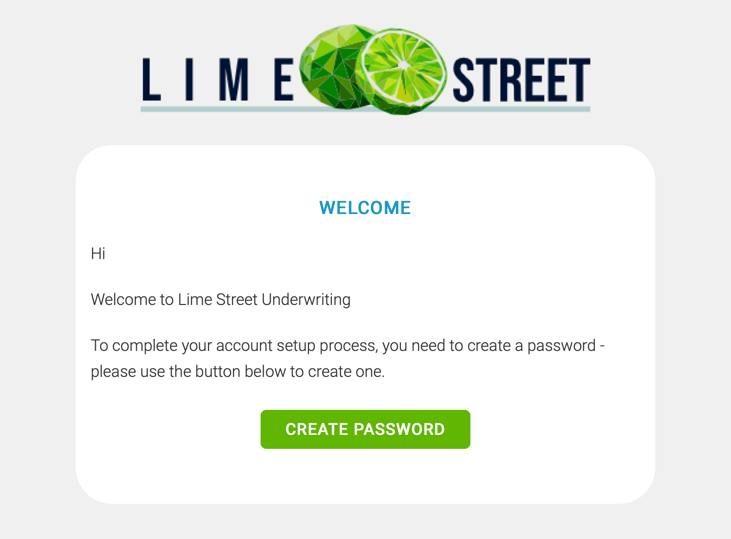
When a new user account is created by an admin user In the Lime Street Marketplace Console a Welcome Email is sent to the user's email account.
The Welcome Email contains instructions for the new user to follow to finalize their account and create a password. The email must be acted upon before the user can use their account.
Example of Welcome Email:
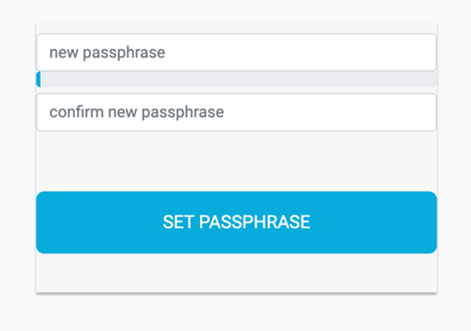
The Create Password link in the email should direct you to the Set Password page:
Example of Set Password Page:
If it doesn't direct you to the Set Password page and instead directs you to the Login page of the Lime Street Marketplace, then this could be because:
- You have already created your password - if you know your password then use it to log in, if you don't know your password then use the Forgotten your passphrase link in the login page to reset your password.
- The link is no longer active - for security reasons there is a time limit set on the Create Password link in the Welcome Email. Contact your console admin and ask them to resend the Welcome Email which will contain a new link for you to create your password.