When a new user account is created by an admin user in the Lime Street Marketplace Console, a Welcome Email is sent to the user's email account.
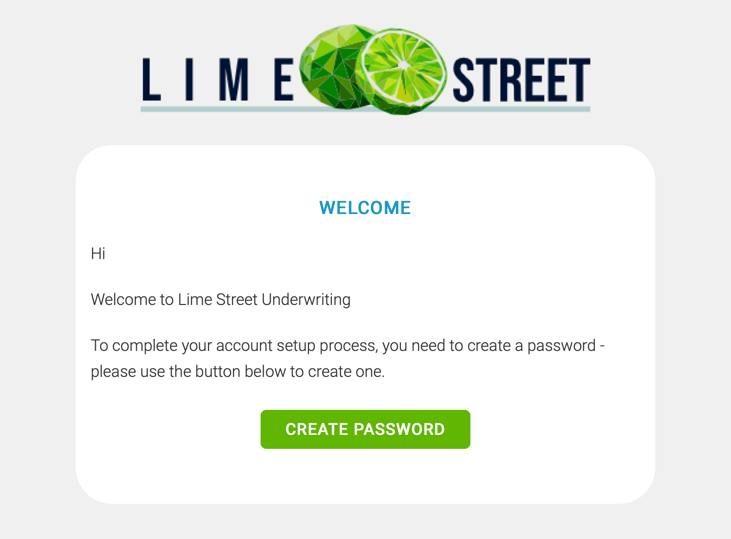
The Welcome Email contains instructions for the new user to follow to finalize their account and create a password. The email must be acted upon before the user can use their account.
Check Your Email
Open your email application and look for the welcome email.
Example of Welcome Email:
Create Password
In the email, click on the Create Password button. This will take you to the Set Passphrase page.
Example of Set Password Page:
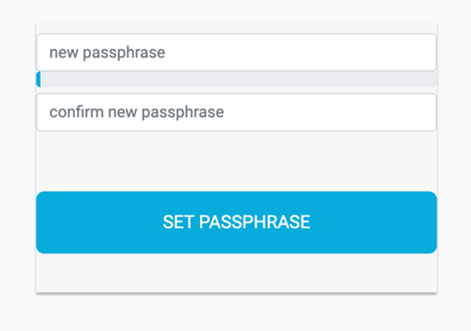
Enter a new passphrase and the confirm passphrase in the boxes. The color bar between the boxes will indicate the strength of your passphrase.
Press the ‘Set Passphrase’ button. Your password is now set up and you are ready to log in to the Lime Street Marketplace Console.
This will take you to the login page where you can use your email address and new passphrase to log in to the console.