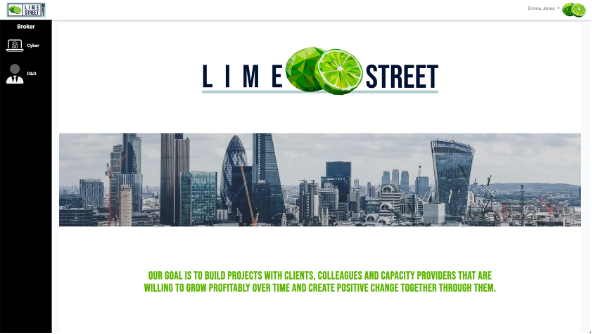
When you first log in to the console a splash screen page is displayed together with a Products Menu.
Example of Splash Screen:
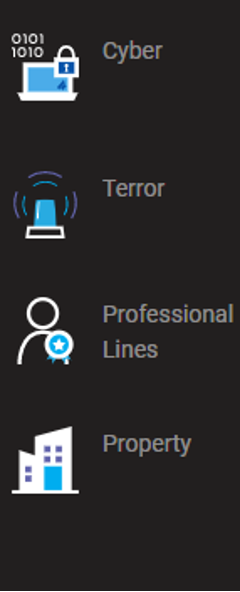
The Products Menu displays the products that are available to your company.
Example of Products Menu:
Press the appropriate product icon to display a submenu of options for the product.
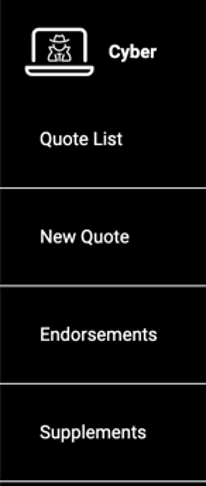
Once you select a product, you are given a menu with further options.
Example of a Product Options Menu for Broker:
Example of a Product Options Menu for Underwriter:
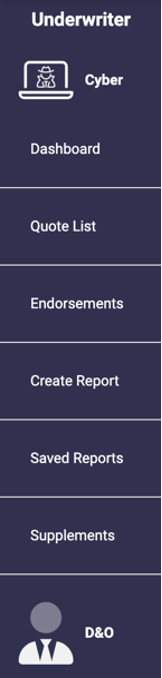
The options available to you will depend on the product selected and the rights given to you.
Simply press the option that you want to access.