Once a Lime Street Marketplace account has been created and you've created your password, it's time to log in and get started but you may have questions and queries about how to use the console.
This guide provides a quick overview on Lime Street Marketplace for a new user.
| Contents - use the links to jump to a section |
| What is Lime Street Marketplace? |
| How do I Log in? |
| What's next after log in? |
| Products Menu |
| Quote List |
|
Create Quote |
| Endorsements |
|
Lime Street Marketplace is an online Brokerage and Underwriting system.
It provides a centralized location where brokers and underwriters can oversee quotes and risks while also perform their quote management tasks, including for a broker:
- Create quotes
- Request quotes to be bound
- View slips
- Create endorsements
- Bind quotes
- Convert referred quotes and VRIs
- Approve endorsements
- Create reports
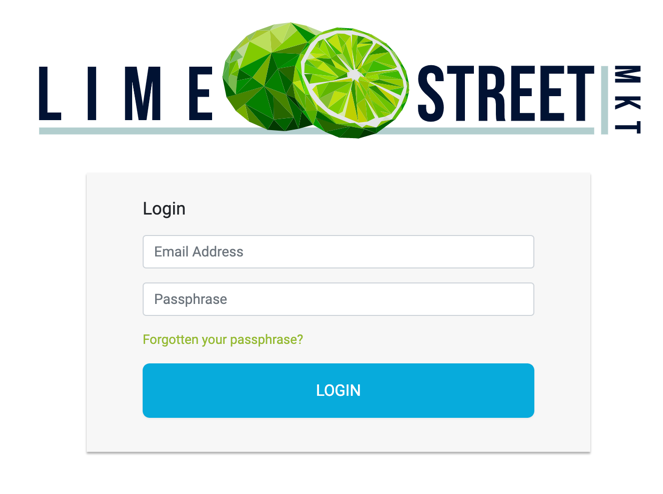
How Do I Log In?
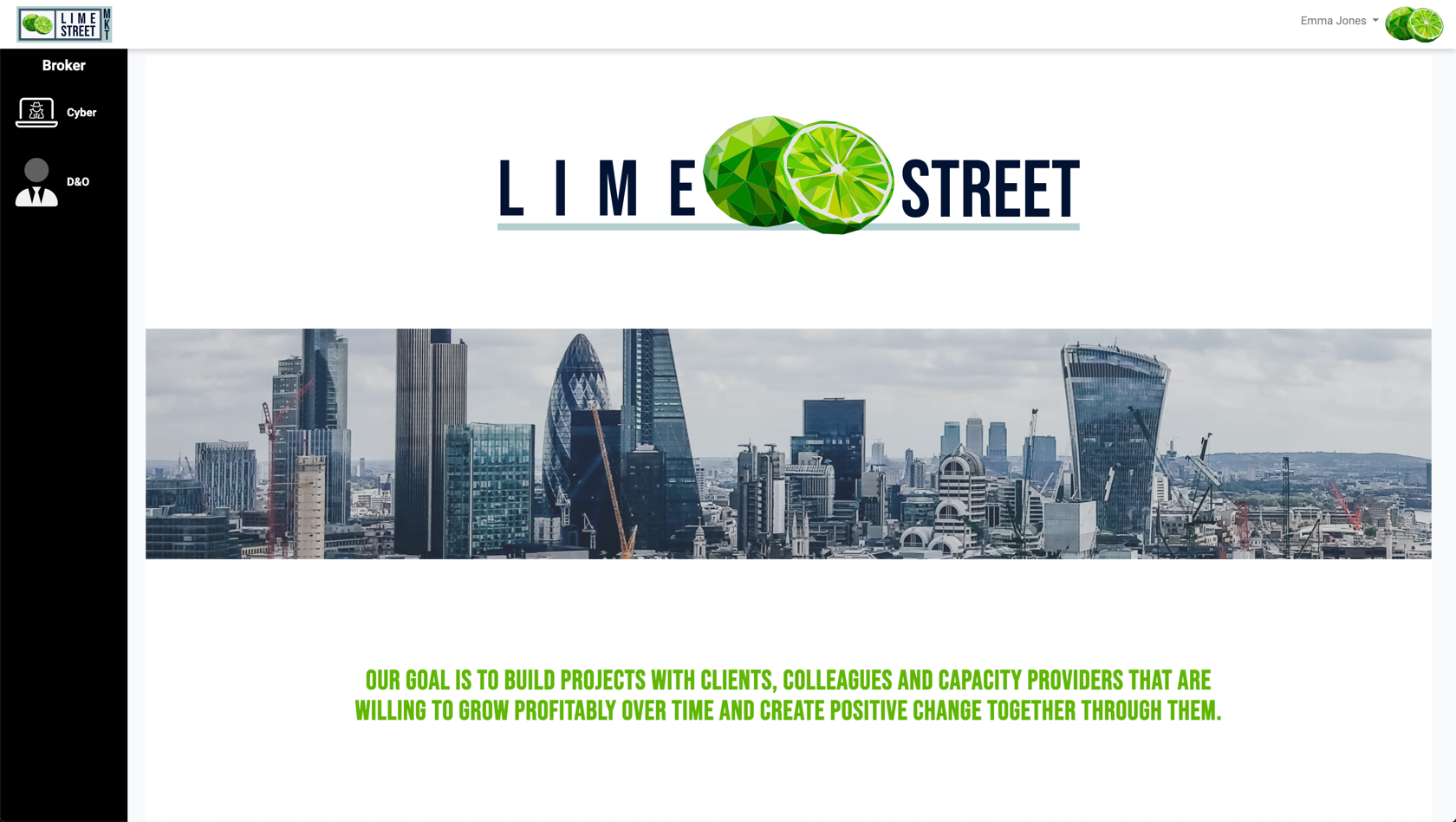
What's Next?
 Products Menu
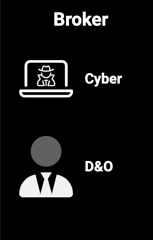
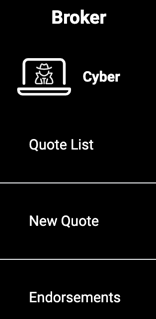
| The options include: | ||
| Quote list | The area where you can manage your quotes and risks. | |
| New Quote |
Create new quotes
|
|
| Endorsements | The section where you can view and manage endorsements. | |
|
|
|
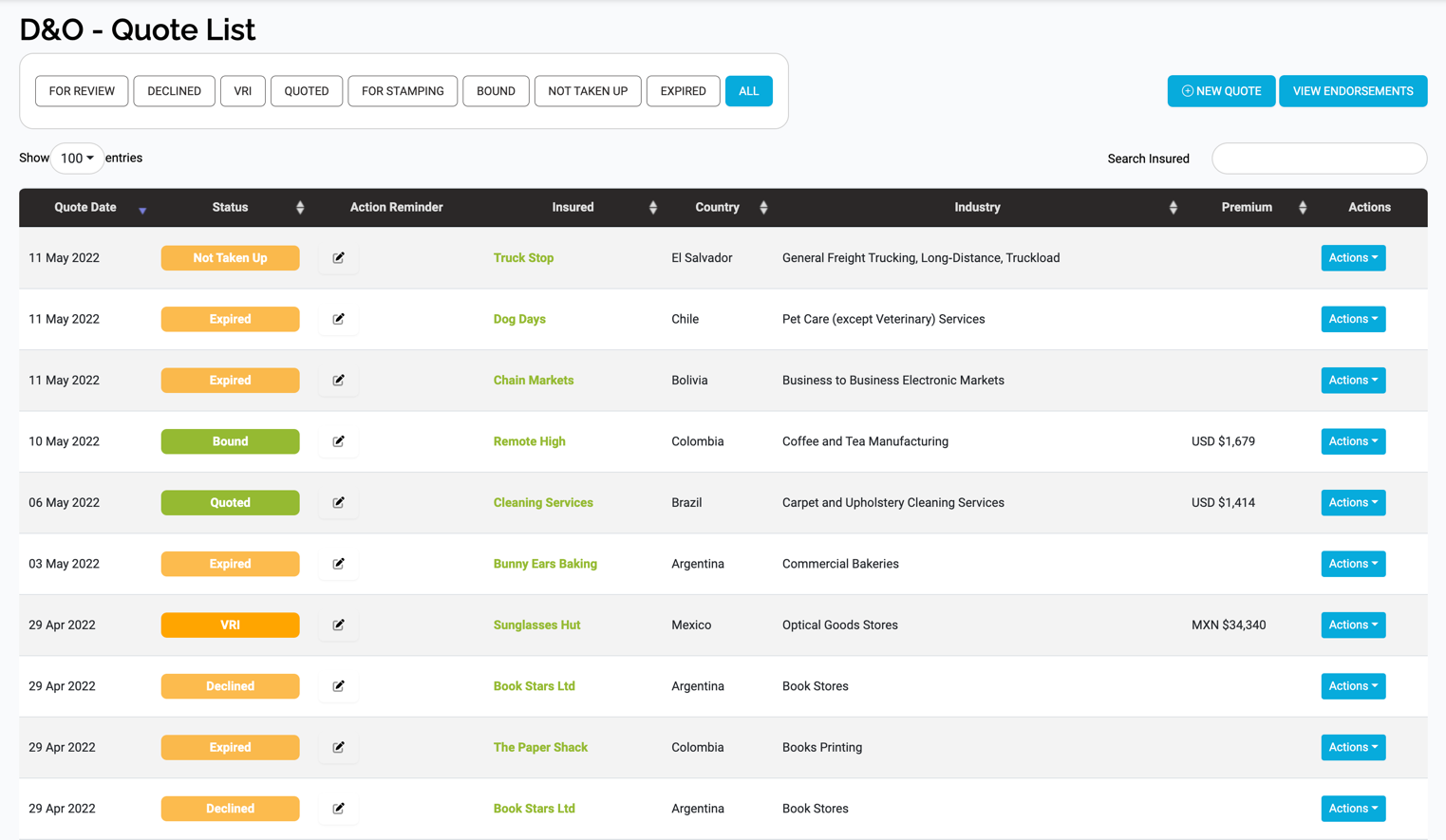
Quote List
- View, filter, sort and search the list of quotes/risks
- View quotes/risks
- Create Quotes
- Access Endorsements
- Perform Actions on the quotes
- View and download the Quote Slips, Binding Slips and VRIs
Example of Quote List Page:
Create Quote
Next we have quote creation. As a broker, you can create quotes, there is an option to do this in the Products menu or in the Quotes List page:
Here you are presented with a form showing a series of questions for you to complete before a quote can be generated.
Example of Create Quote Page:
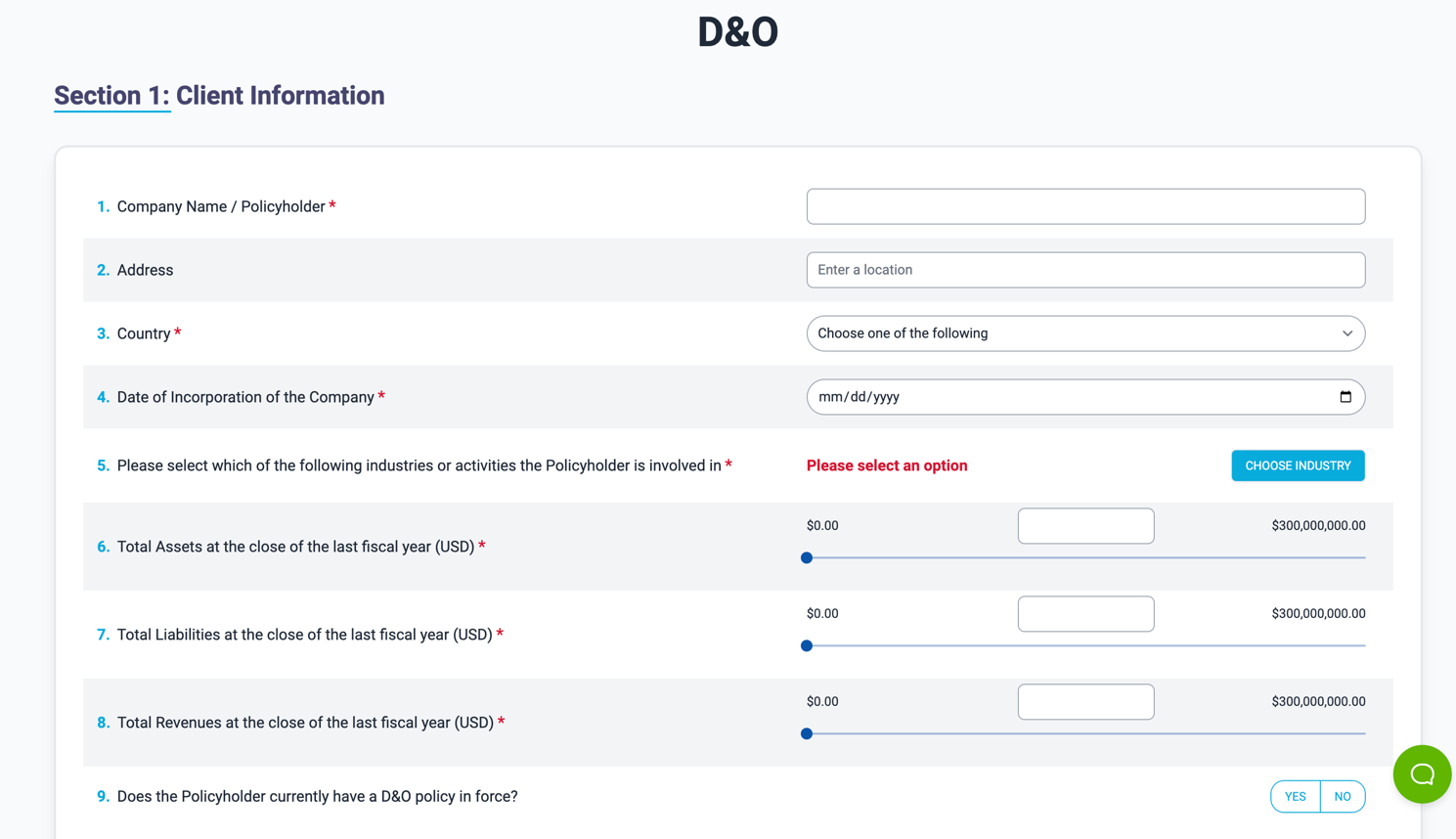
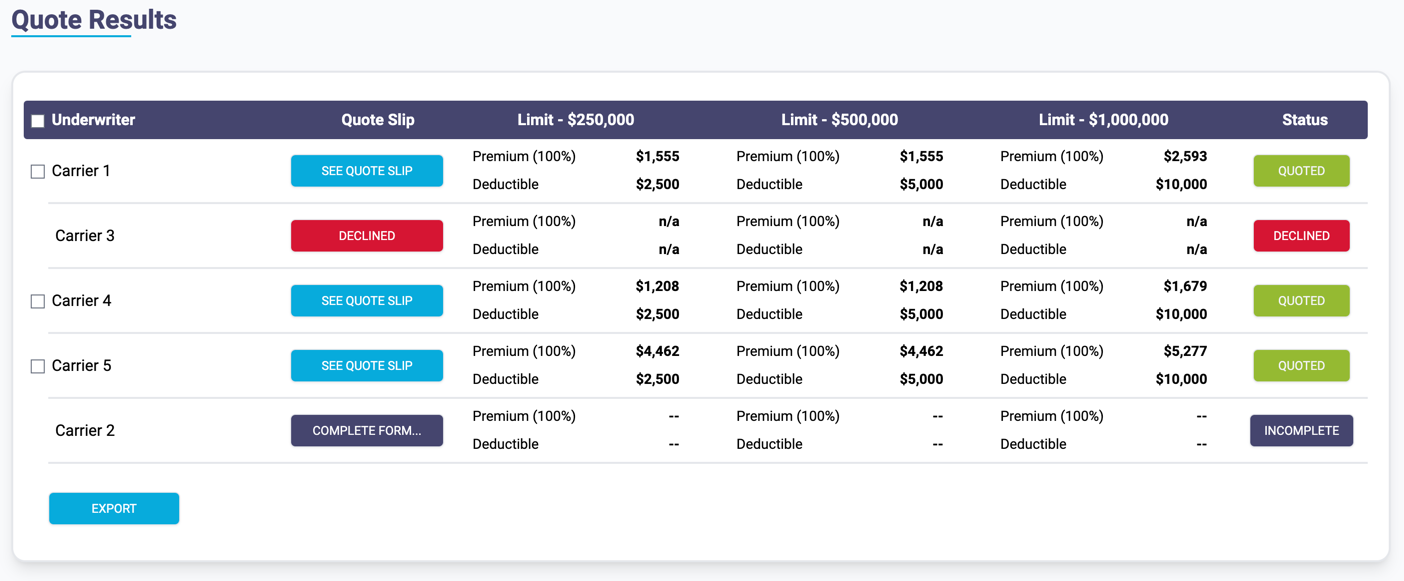
Follow the step by step form to create quote results.
Example of Quote Results:
Endorsements
Lastly, we have endorsements, use the Products menu to access the page.
Example of All Endorsements Page:
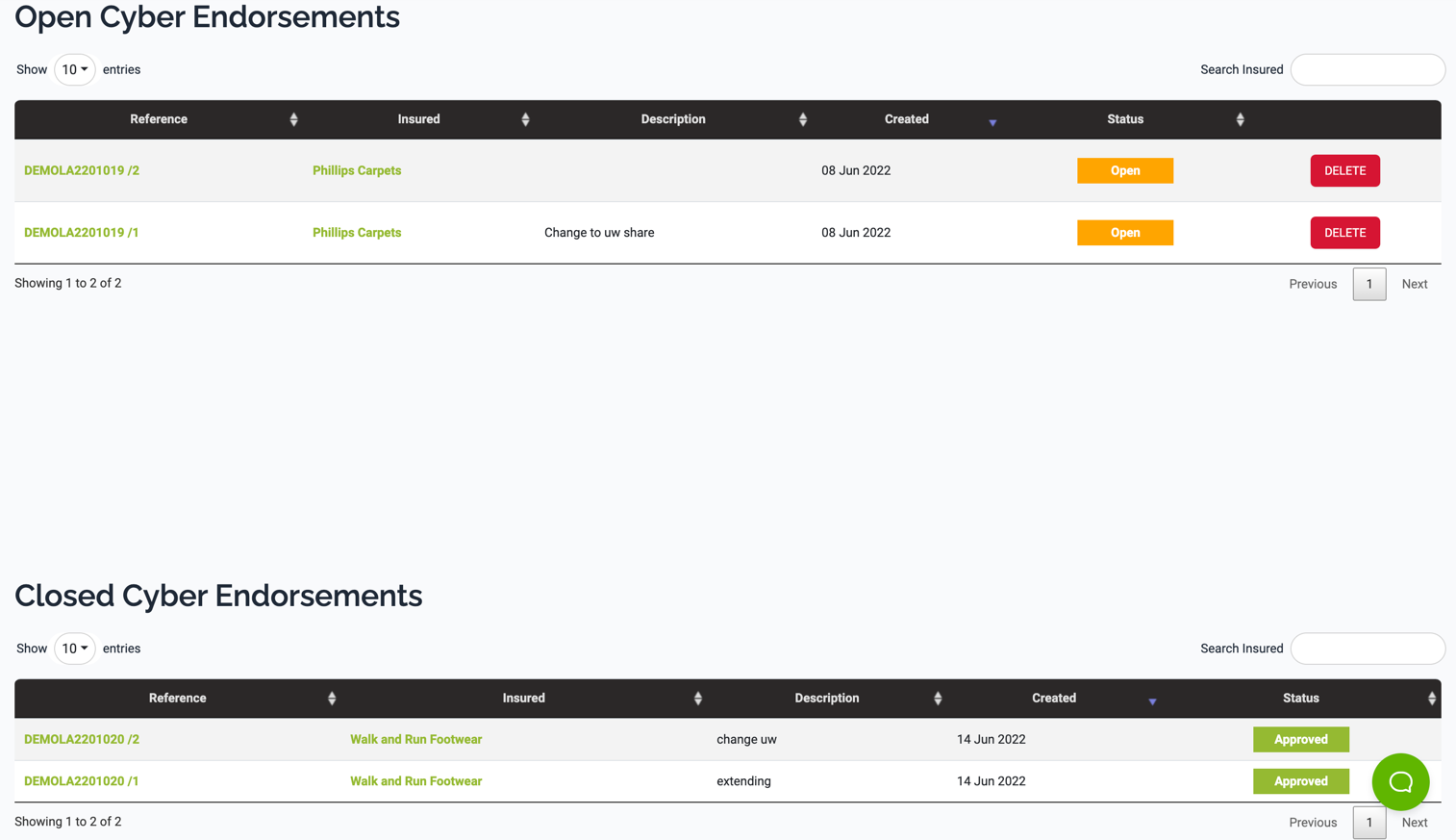
Endorsements can be added by brokers and then actioned by underwriters, including editing, approving, rejecting and revoking.