Once a Lime Street Marketplace account has been created and you've created your password, it's time to log in and get started but you may have questions and queries about how to use the console.
This guide provides a quick overview on Lime Street Marketplace for a new user.
| Contents - use the links to jump to a section |
|
What is Lime Street Marketplace? |
|
How do I Log in? |
|
What's next after log in? |
|
Products Menu |
|
Quote List |
| Endorsements |
|
Reports |
|
Dashboard |
What is Lime Street Marketplace?
Lime Street Marketplace is an online Brokerage and Underwriting system.
- Bind quotes
- Convert referred quotes and VRIs
- Approve endorsements
- Create reports
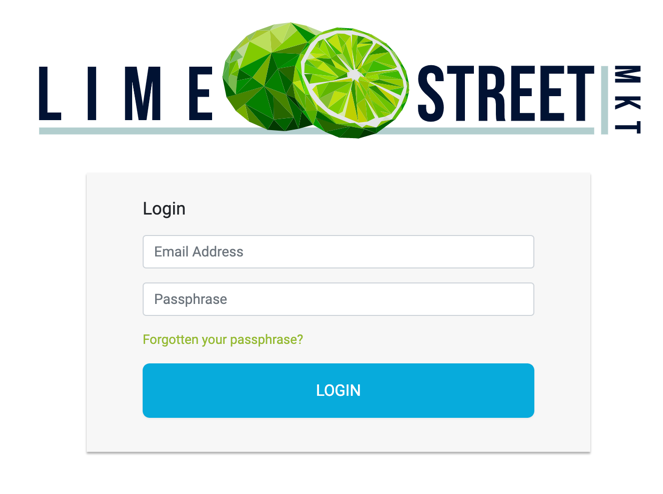
How Do I Log In?
What's Next?

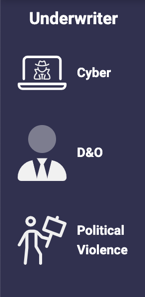
Products Menu
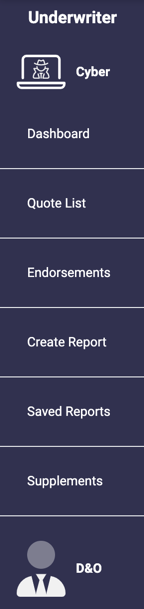
| The options include: | ||
|
Quote list
|
The area where you can manage your quotes and risks. | |
| Endorsements | The section where you can view and manage endorsements. | |
| Reports | Create and view reports illustrating quotes and risks over a selected period of time. | |
| Dashboard | Access a useful visual overview and summary of the activity of your Brokerage companies. |
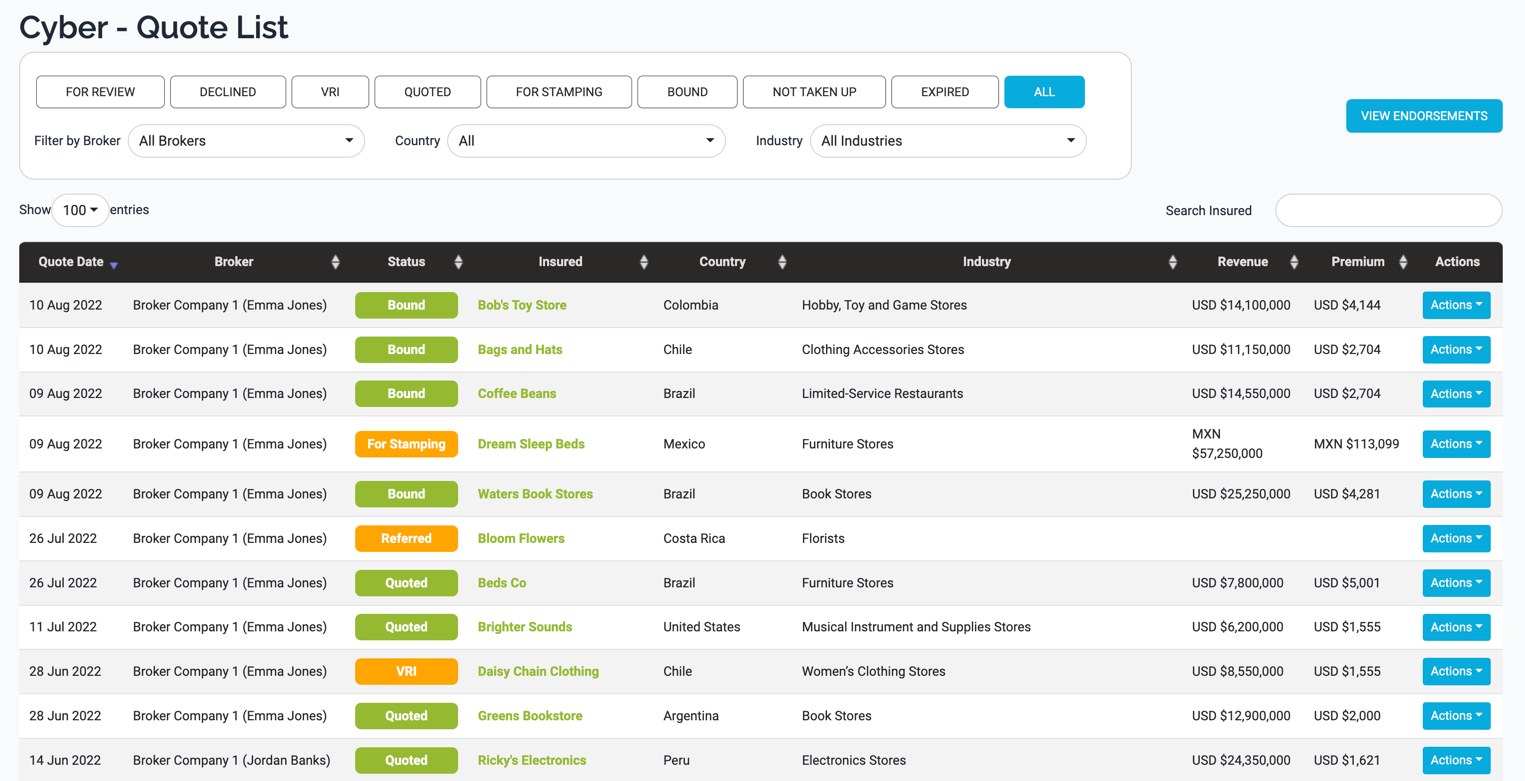
Quote List
- View, filter, sort and search the list of quotes/risks
- View quotes/risks
- Access Endorsements
- Perform Actions on the quotes
- View and download the Quote Slips, Binding Slips and VRIs
Example of Quote List Page:
Endorsements
Next we have endorsements, use the Products menu to access the page.
Example of All Endorsements Page:
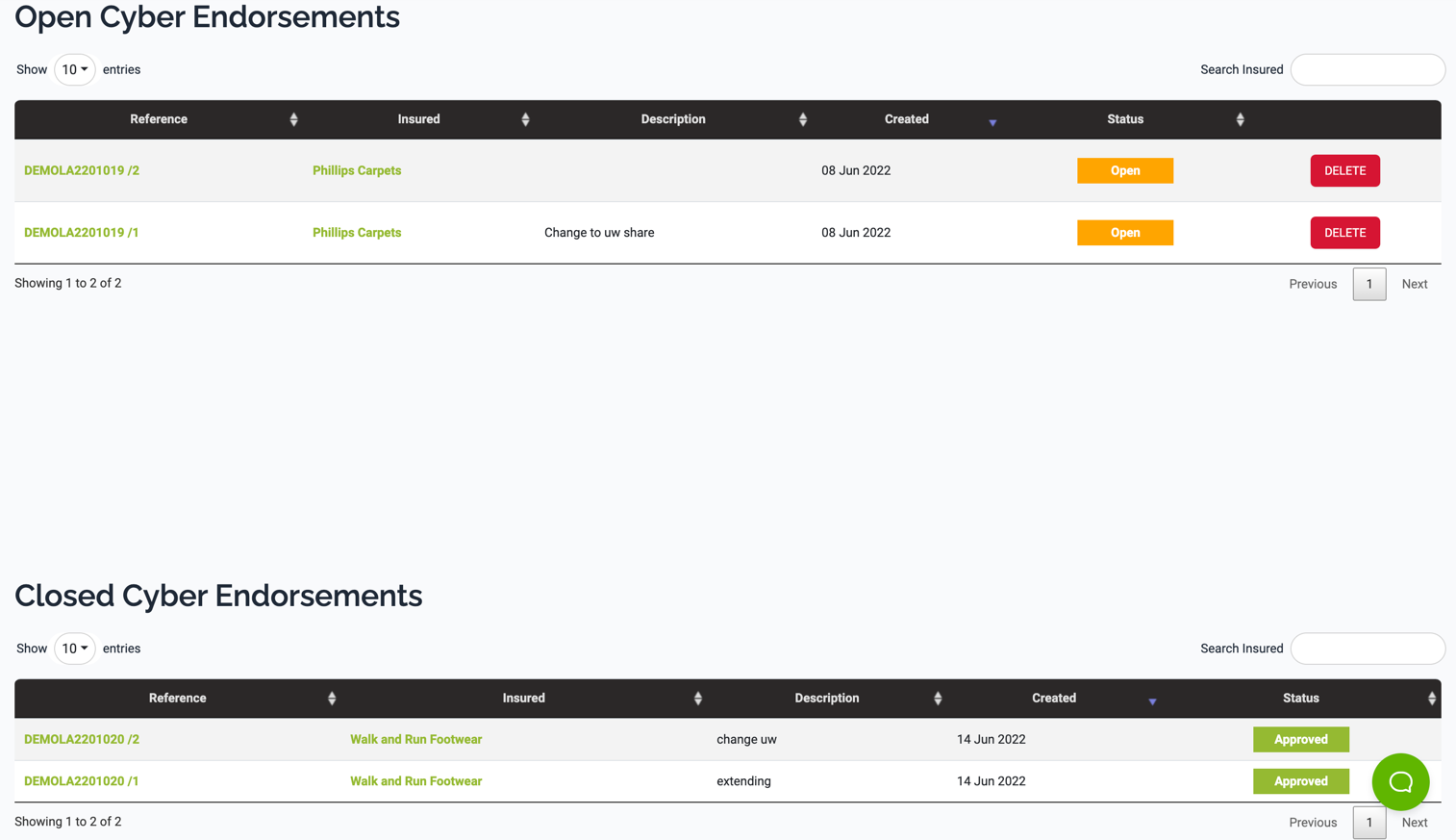
Endorsements can be added by brokers and then actioned by underwriters, including editing, approving, rejecting and revoking.
Reports
Reports on quoting activity can be created by underwriter users.
To create a report, use the Create Report option in the Products menu. Simply, enter your criteria and create the report.
Example of Create Report Page:
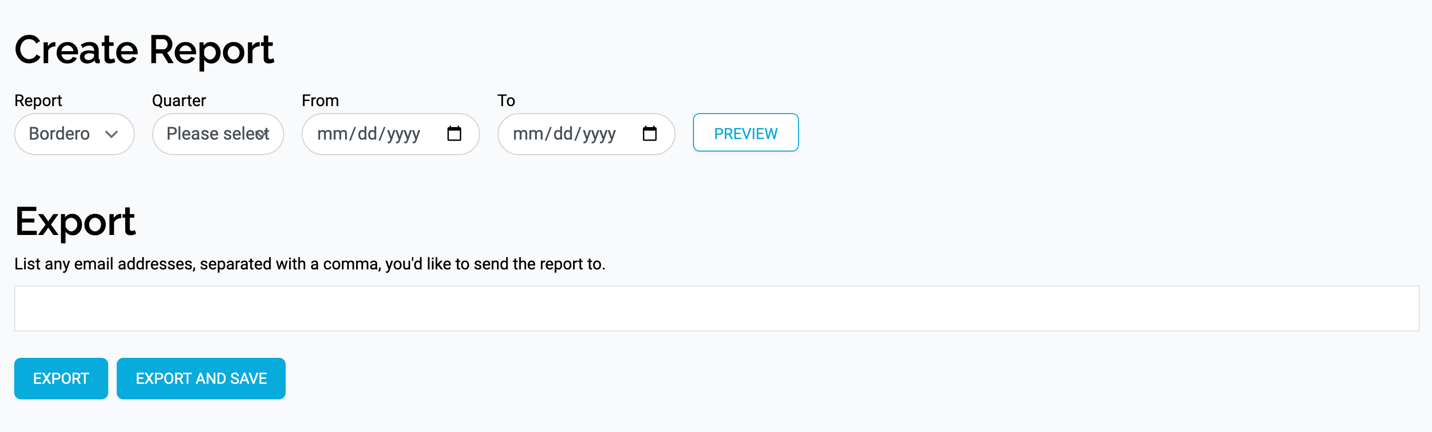
To access compiled reports, use the Saved Reports option in the Products menu.
Example of Saved Reports Page:

Here you can access your report and choose to download or email it.
Dashboard
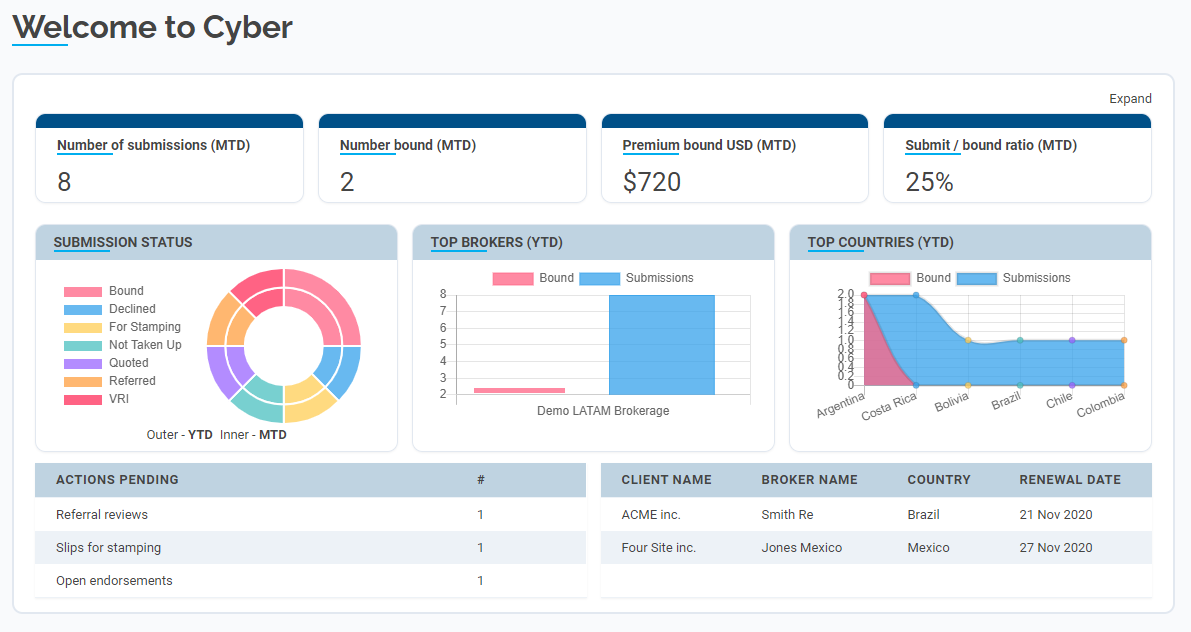
Lastly, in this overview, let's take a look at the Dashboard. It can be accessed by pressing the Dashboard option in the side Products menu.
The Dashboard page shows you an easy to view graphical summary of the activity of your Brokerage companies.