This article is for Underwriter Users who are set up to use the Low Touch feature to process quotes and endorsements.
Once your Lime Street Marketplace Low Touch account has been created, it's time to get started but you may have questions and queries about how to use the feature.
This guide provides a quick overview on Lime Street Marketplace for a new low touch user.
|
Contents - use the links to jump to a section
|
|
What is Lime Street Marketplace - Low Touch? |
|
What do you need? |
|
What's next? |
|
What about verification? |
What is Lime Street Marketplace - Low Touch?
Lime Street Marketplace offers a Low Touch option for underwriter users, where the processing of quoting, binding and endorsement tasks are facilitated via email, enabling an efficient and fast progression of quotes and endorsements.
For those underwriter users who are designated to use the Low Touch feature for approving quotes/endorsements and binding quotes, they do not require to log in to the system.
What do you need?
| You need the following: | |
| Access to Email | Requests are emailed to your account |
| Access to Text Messages | For security reasons you are required to verify yourself, codes are sent via texts to your cellphone number. |
What is next?
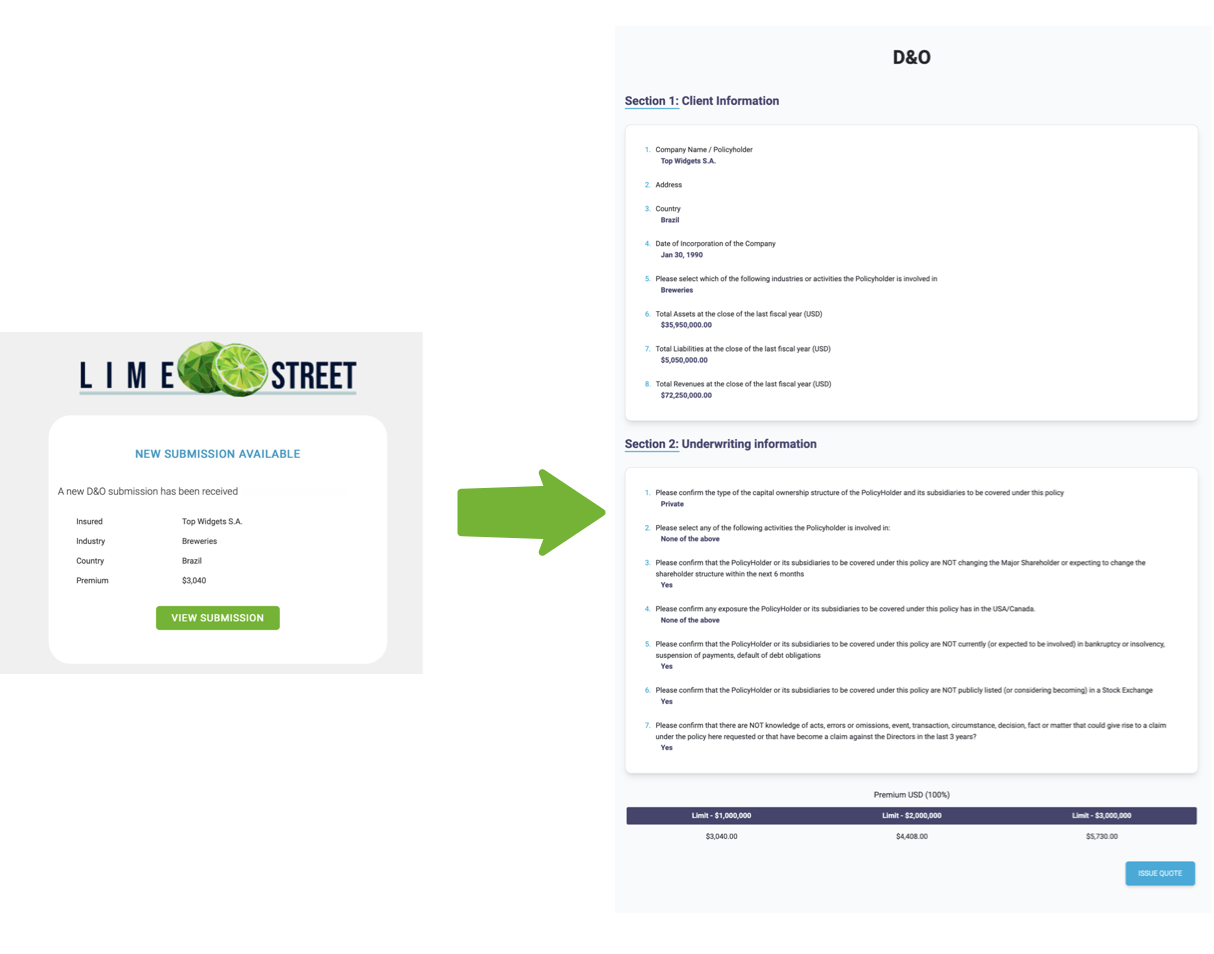
When brokers generate a quote or request a bind or add an endorsement, underwriter users are emailed with a notification.
The email provides access to a secure form where you can easily proceed to action and process the request.
Example of Low Touch:
The tasks you can carry out are:
Click on a link to learn more about each task.
What about verification?
In order to ensure security, once the button on the email is pressed, it will initiate a security check, where you must verify your details.
Example of Verification Check:
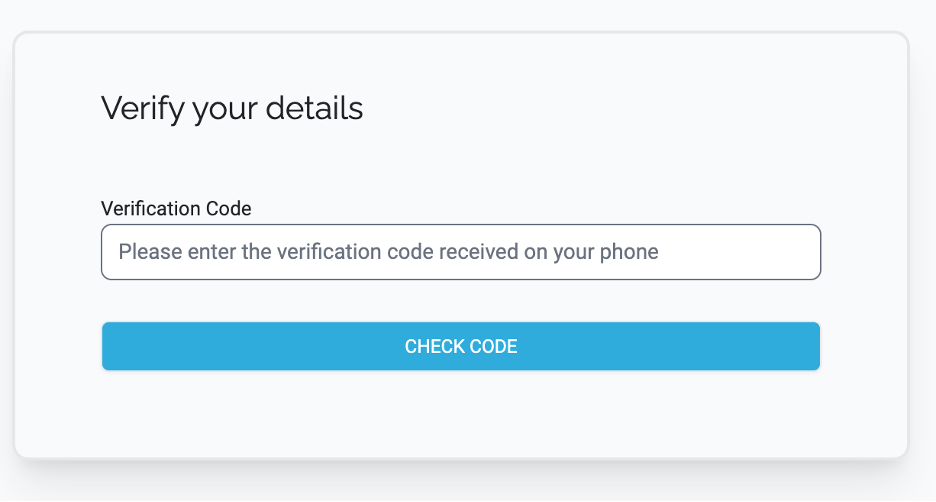
A text message will be sent to your cellphone with a verification code. You will have to enter that code before you can proceed.
Note - Your underwriting company's configuration will determine how you approve quotes.