When using the Low Touch feature to process a request from the broker, you will be emailed a notification, e.g. New Submission email or New Endorsement email.
The email contains a summary of the task alongside an action button that will take you to an online form.
Example of Email:
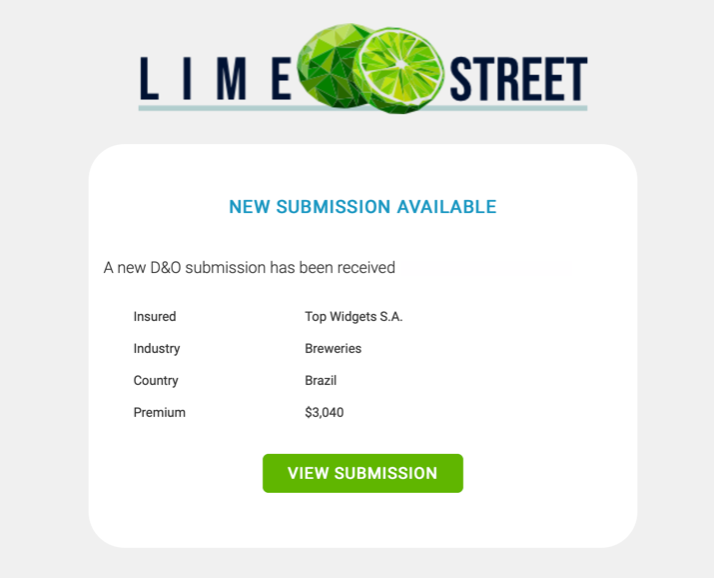
Example of Button:

In order to ensure security, once the button on the email is pressed, it will initiate a security check, where you must verify your details.
Example of Verification Check:
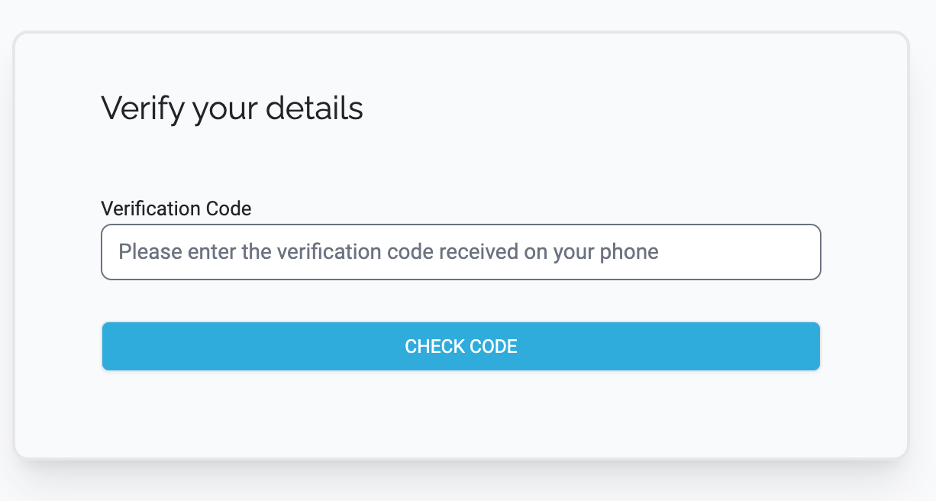
A text message will be sent to your cellphone with a verification code.
Example of Verification Text Message:

Enter that code into the Verification dialog and press the Check Code button to continue.
If the code has been successful, you will be directed to the Lime Street Marketplace online form page.
Note: if you have performed the security check within the last 24 hours using the same device and browser, then you may not be presented with the verification step and instead be directed straight to the Lime Street Marketplace online form page.