When a new user account is created by an admin user in the Lime Street Marketplace Console, a Welcome Email is sent to the user's email account.
The Welcome Email contains instructions for the new user to follow to finalize their account and create a password. The email must be acted upon before the user can use their account.
There may be some occasions where you need to resend the Welcome Email to the user, for example, they are unable to find the email, it's been deleted, the password link is no longer valid or the initial email was not sent. For convenience, there is a Send Welcome Email button in the Edit User page to allow an admin user to resend the welcome email.
Resend Welcome Email
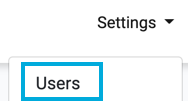


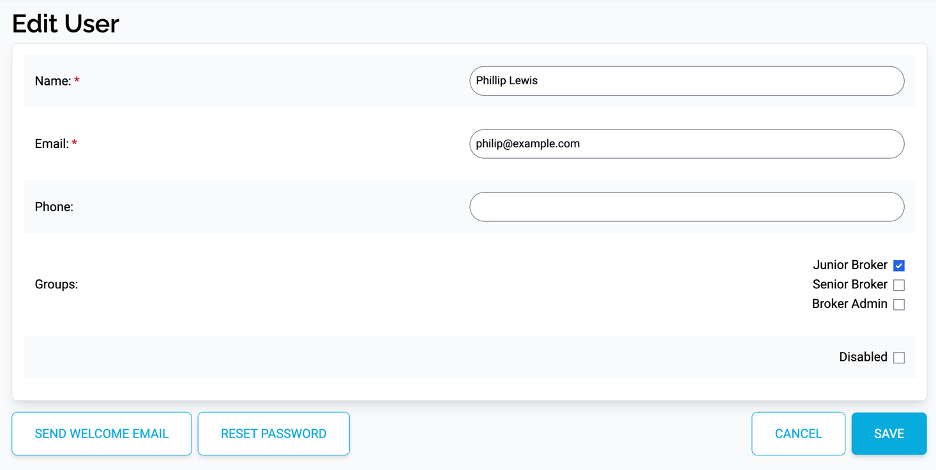
If you require to send the Welcome Email to the selected user, then press the Send Welcome Email button: