The User section allows admin users to carry out user management tasks including creating new users and editing existing users.
This article is for Admin users both Broker Admins and Underwriter Admins or those users in the User Management group. Non-admin users are unable to access User Management. The images display Broker ones but the process is the same for Underwriters except for Groups
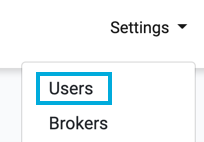
To get started with managing users, access the User List by pressing Settings>Users in the top menu:

The User Management page is displayed and lists all the users set up to use the Console for your company.
Example of User Management Page:
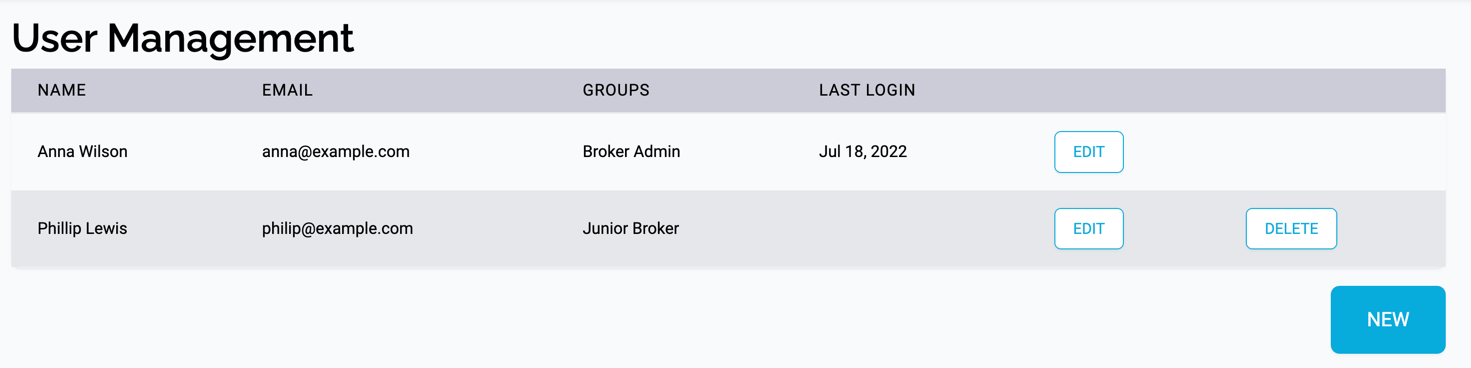
The table shows the name, email, groups assigned to the user and the date of their last login.
From here you can: