This article is for Underwriter users. Broker users are unable to create or view reports.
Reports on quoting activity can be created by underwriter users who have the rights to manage reports.
You can access the reporting options via the side
Products Menu:
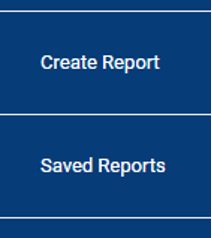
Create Report
To create a report, press the Create Report menu option:
This displays the Create Report page:
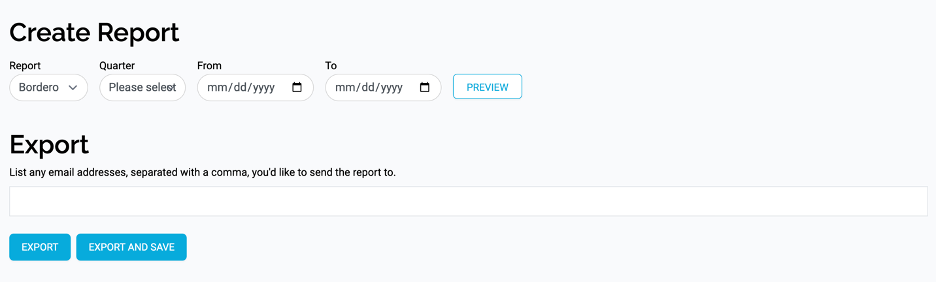
Enter details for the type of report and the time frame you want to report on.
The Preview button allows you to see on-screen what data is in the report.
Export Report
The Export section allows you to enter the email addresses of anyone you would like the report to be sent to. This is not mandatory.
Once you have entered the details of the report, there are two options:
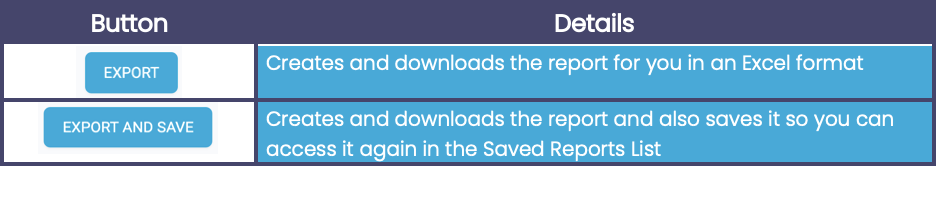
Saved Reports
Any reports that you have chosen to save can be displayed in the Saved Reports List.
Press the Saved Reports menu option:
This displays the list of Saved Reports:

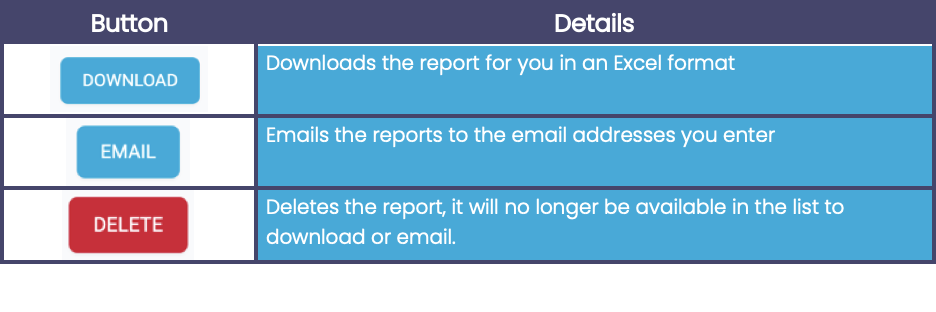
The options available for each report are: