During the create quote process you are presented with a Quotes Result table displaying the outcome of the quote generation. There is a feature to export the results of those that have returned Quoted or VRI status. Results of other statuses are not available to export.
Example of Quote Results Table:
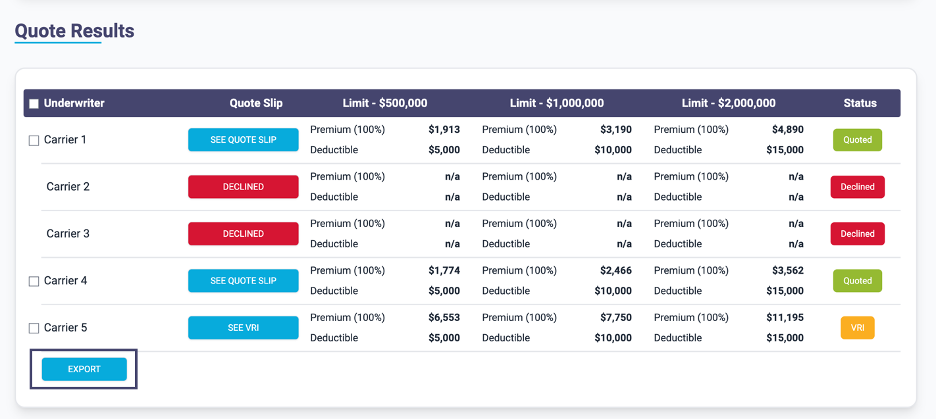
The Export button is at the bottom of the table:

If a carrier’s outcome has produced a status of
Quoted or VRI then you will find a check box beside the carrier name:

You can select the particular result/results you want to export by using the check box beside the carrier name:

Select all the results you want to export then press the
Export button or alternatively, if you want to export all the available results then leave all the boxes unchecked before pressing Export.
You are presented with a Language option:
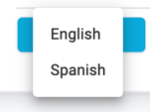
Select the language and the results are downloaded to your device in Excel format. Check your downloads folder for the file or if supported click it from your browser to open it:

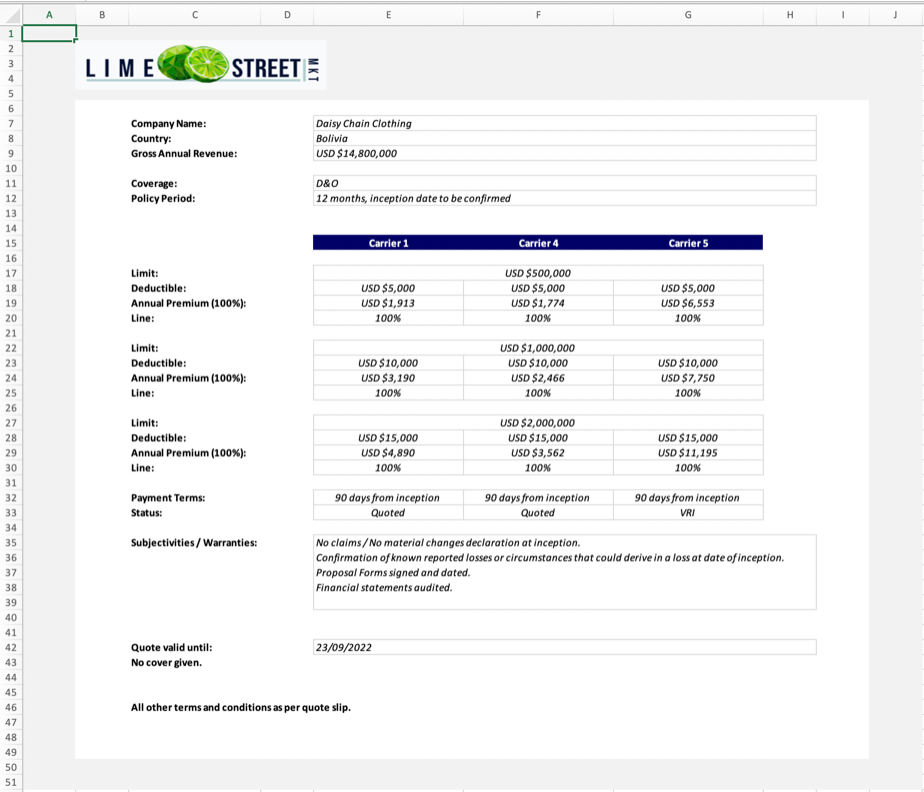
Example of Exported Quote Results: