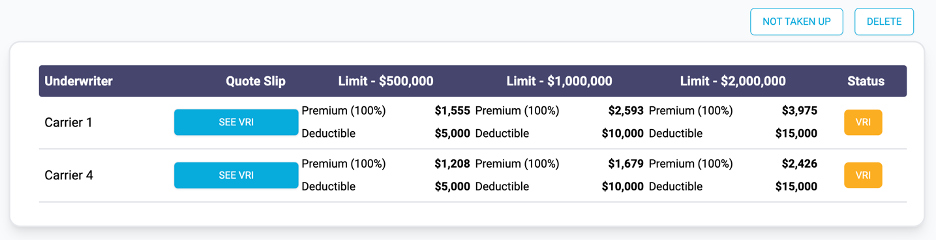
Where a carrier has quoted a VRI, you can view the VRI Slip in the Quote Overview page.
Access the
Quote Overview page via the Actions menu for a quote in the Quotes List page:

Example of Quote Overview Page:
See VRI
You can view the VRI for a VRI, Not Taken Up and Expired quote.
In the Quote Overview page press the See VRI button to open it:

Example of VRI:
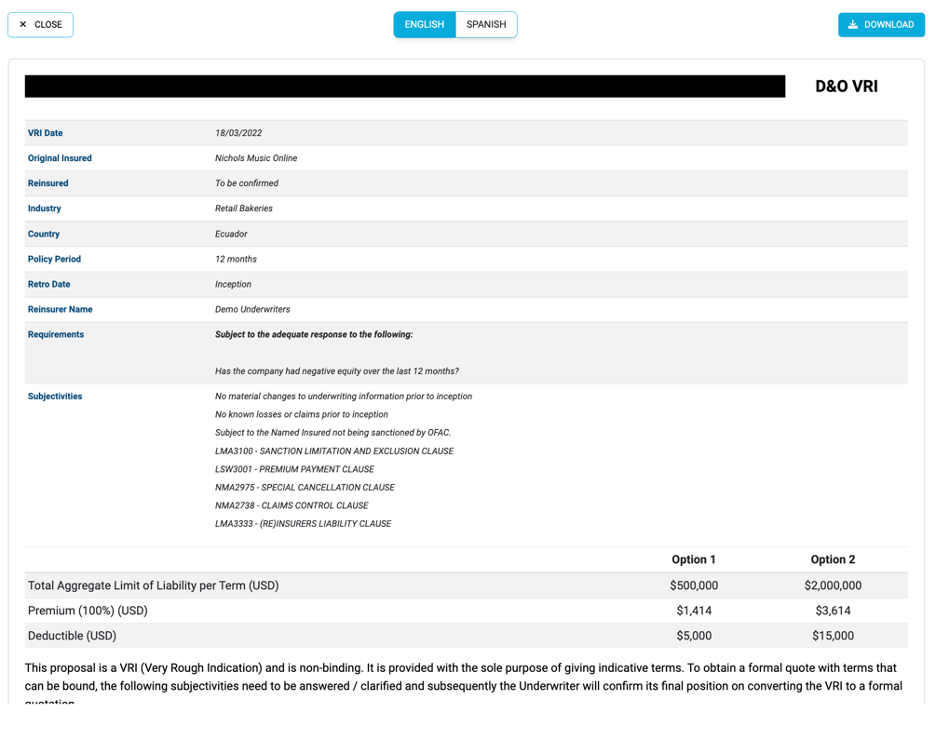
Switch between English and Spanish using the language options buttons:

Download the Quote Slip PDF by pressing the Download button: