The Conversation feature allows the broker to communicate with the underwriter regarding a Referred quote or a Special Acceptance request.
This ensures you and the underwriter have a direct channel to discuss the quote and any queries that may arise before proceeding, including the provision of support documentation.
Conversations are only available for those quotes with Referred status.
Accessing Conversations via Email
When an underwriter adds a new message or responds, you will be notified via email. It will show you the message:
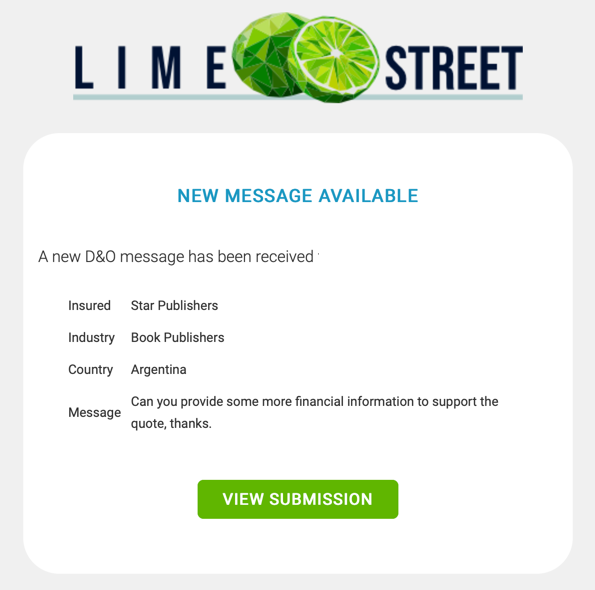
Press the View Submission button to access the full message history.
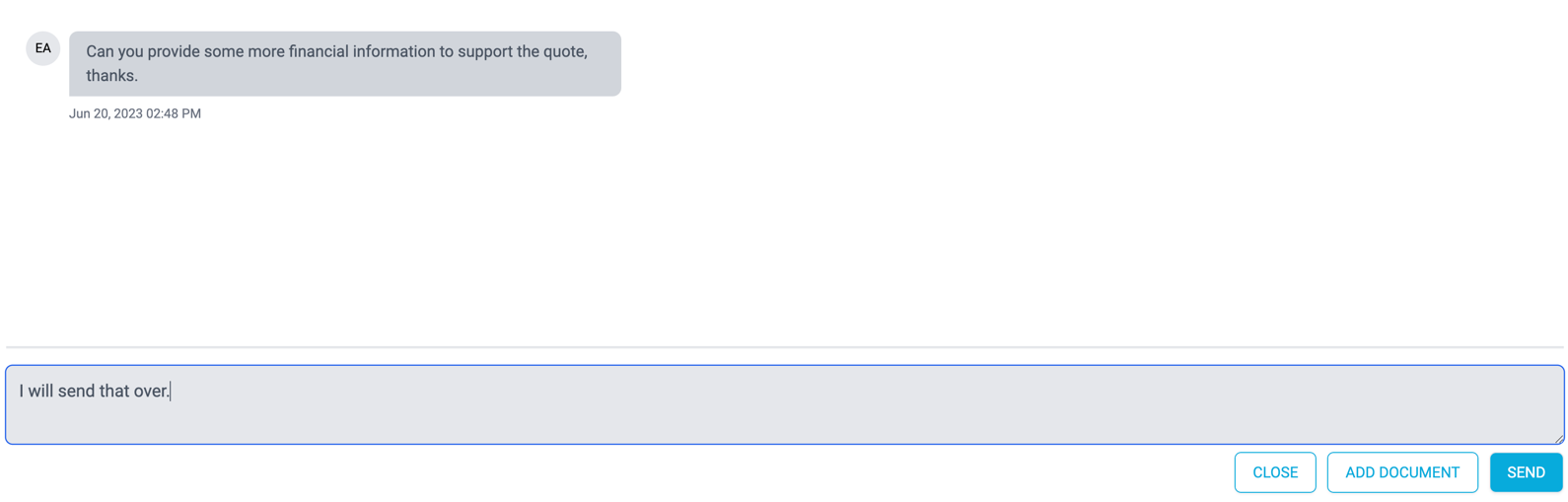
In this dialog, you can continue to communicate with the underwriter, including adding documents.
Accessing Conversation via Quote Results
Alternatively, you can access the Conversation in the Quote page.
Press the Conversation button in the Quote Results section:
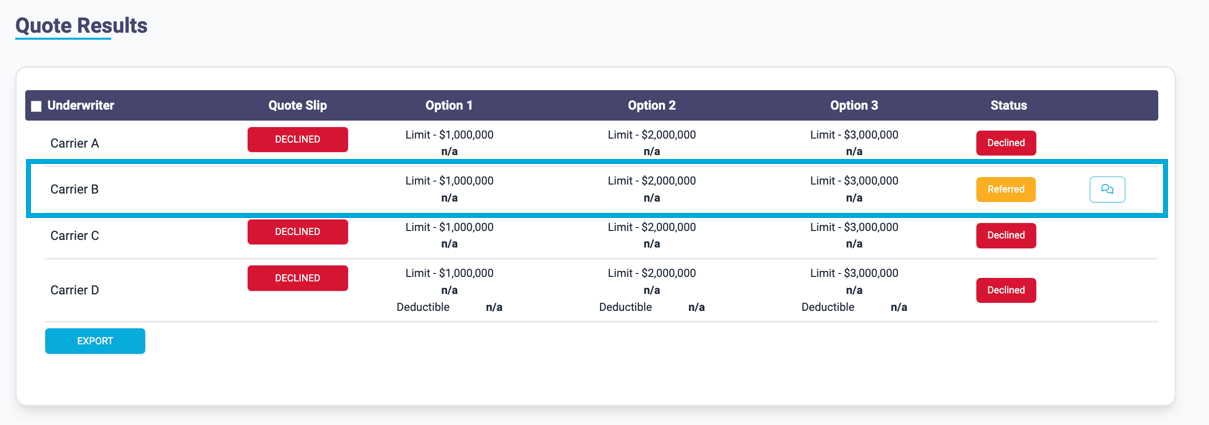

Any previous messages regarding the particular quote are displayed, providing a history of the conversation.
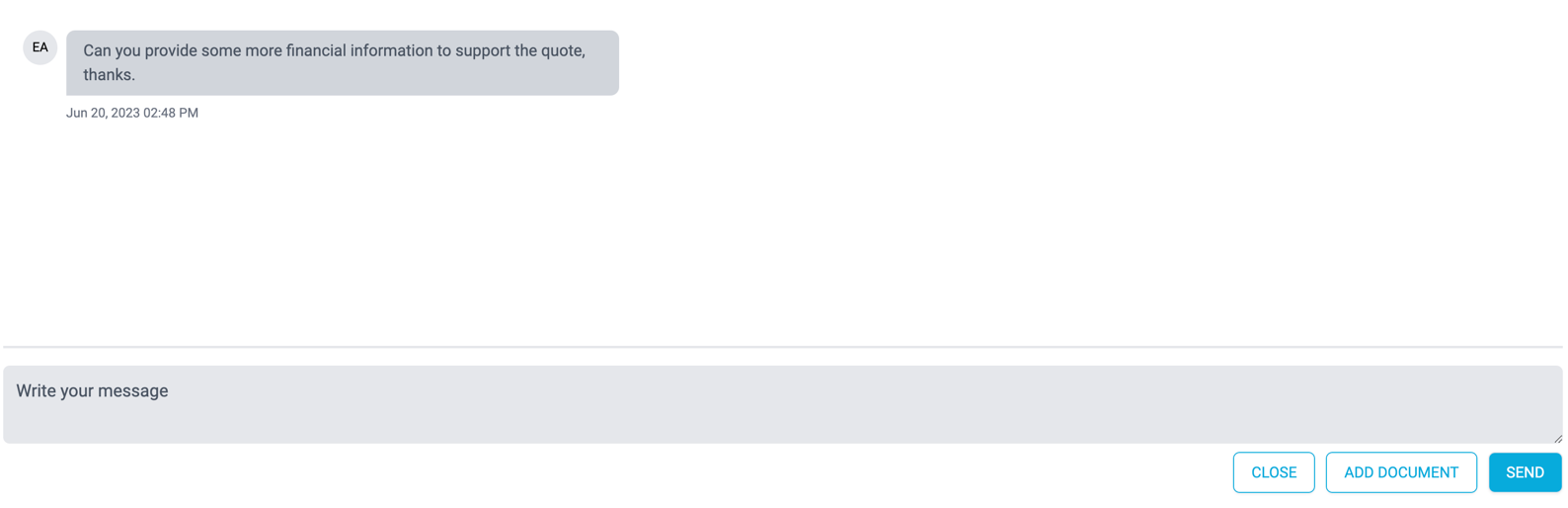
Simply, enter your message in the Message box and hit Send. The underwriter will be alerted.
The broker can also add documents using the Conversation dialog.