Quote eligibility rules can produce Referred or Special Acceptance requests.
- Referred - a stated answer requires the underwriter to assess the quote and decide on its eligibility.
- Special Acceptance - a stated answer has resulted in a decline status but the broker has requested the quote be sent to the underwriter for assessment. Once requested the quote is updated to Referred status.
Where rules have resulted in a Referred quote or a Special Acceptance request, the underwriter will receive an email.
Example of Email:
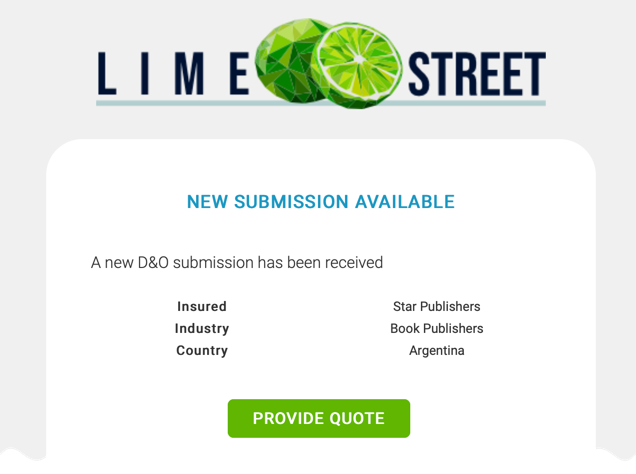
Press the Provide Quote button to open the Submission Form.
Example of Submission Page:
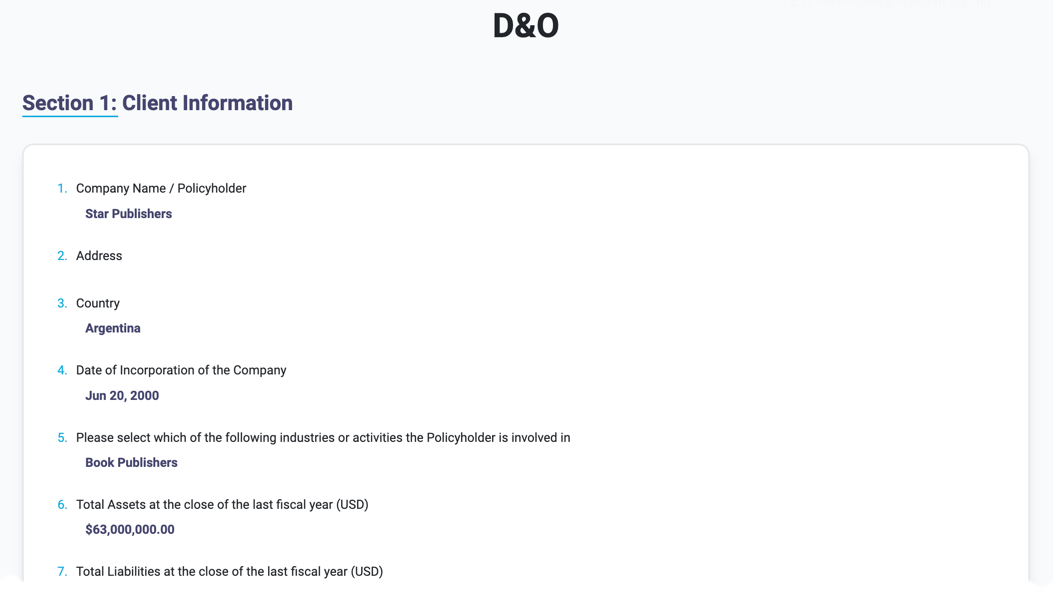
The page informs you that it is a Referred or Special Acceptance and highlights in red any answers that have resulted in the refer/decline.
Scroll to the bottom to find the section where you can provide Premium values:
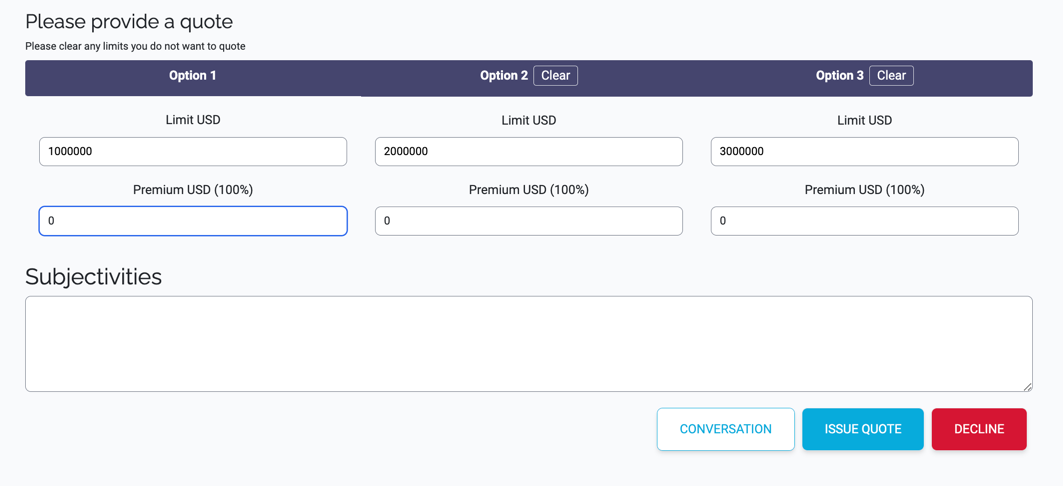
Check the details of the quote and if you want to proceed:
- adjust the Limits (if required)
- enter the Premiums
- add any additional subjectivities (if required)
When ready, press the Issue Quote button.
If you want to decline the quote, press the Decline button.
For this type of quote, there is also a Conversation button to allow you to communicate with the Broker.