You can upload any supporting documents that the underwriter may need to evaluate the eligibility of the quote through the Conversation dialog.
Conversations are only available for those quotes with Referred status.
Access the Conversation in the Quote page by scrolling down to the Quote Results section:
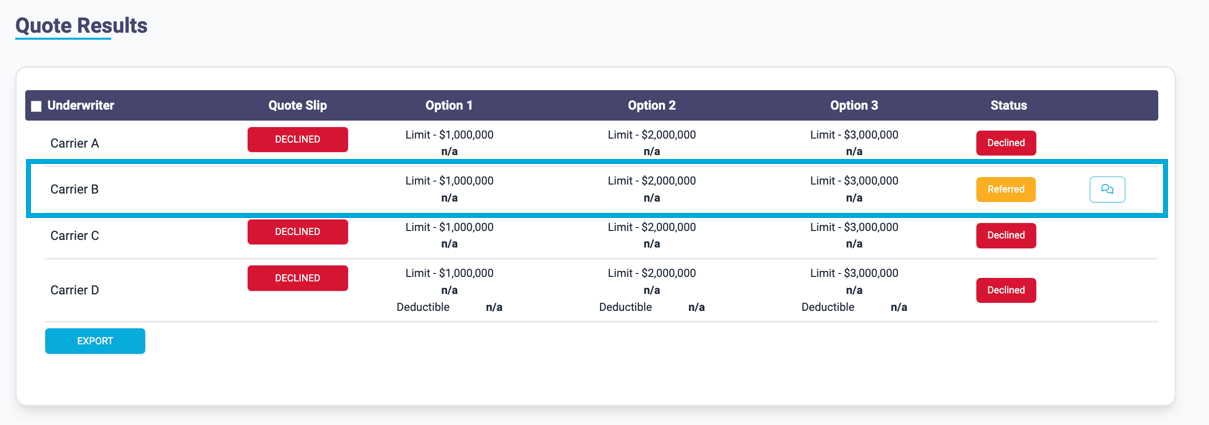
Press the Conversation button in the Quote Results section:

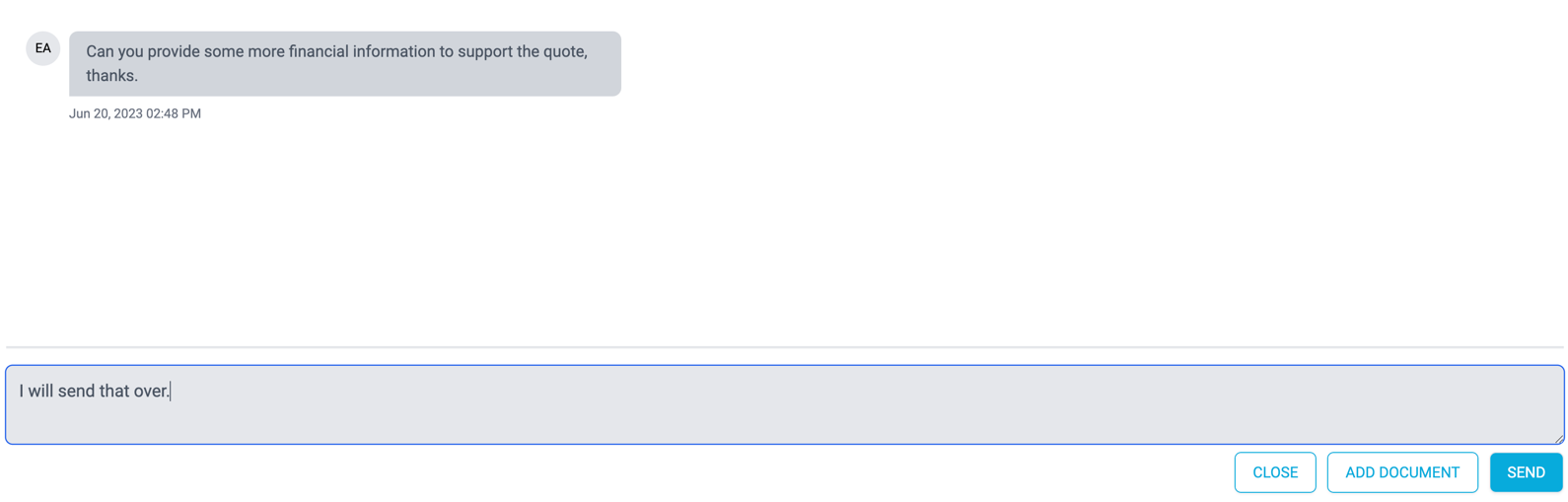
In the Messaging dialog, press the Add Document button
Proceed to add the file you want to upload:
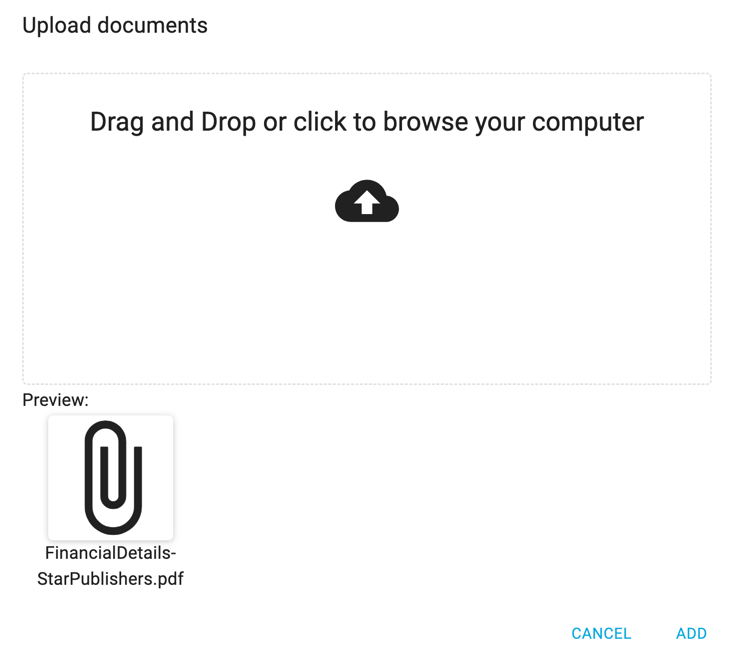
The underwriter will receive an email to alert them a document has been added and will be able to view any uploaded files via their Conversation dialog.
Note: You can only upload 5 files simultaneously.