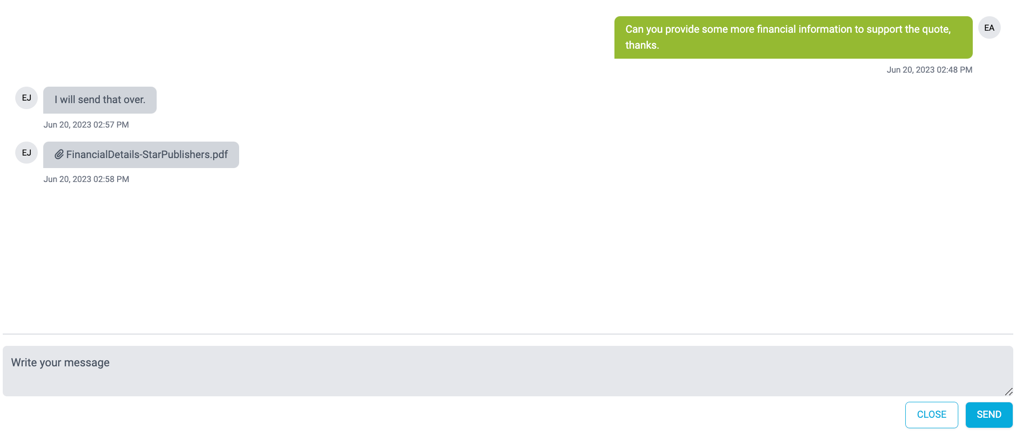
The Conversation feature that allows you to communicate with the broker directly regarding a Referred quote.
This ensures you can seek further information or clarification that may be required before proceeding, including requesting supporting documentation.
Conversations are only available for those quotes with Referred status.
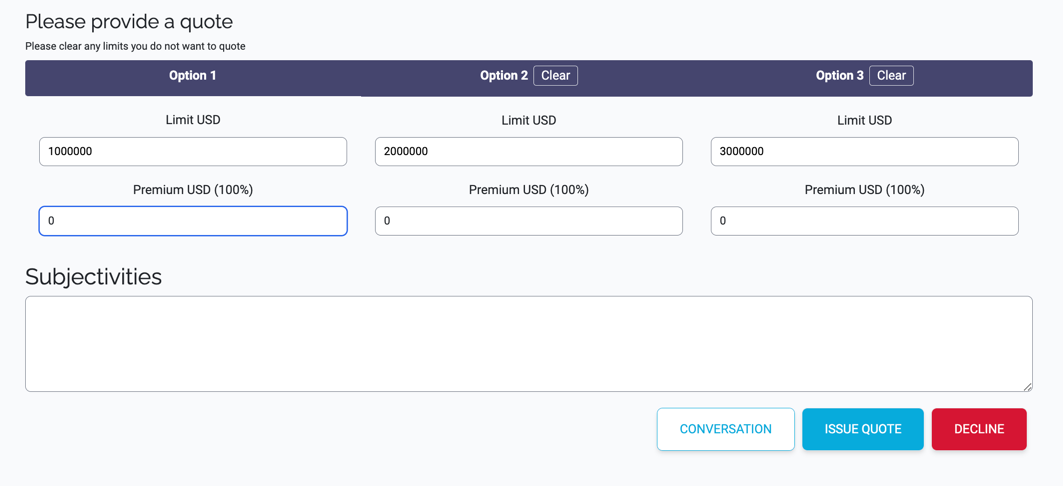
To message the broker, press the Conversation button in the Quote Submission page:
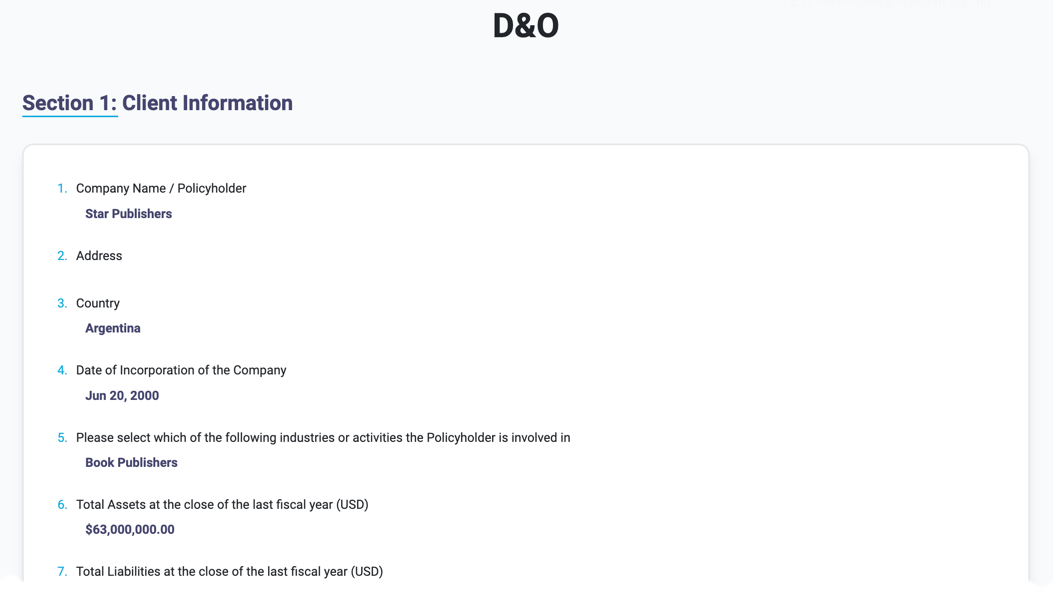

Simply, enter your message in the Message box and hit Send.
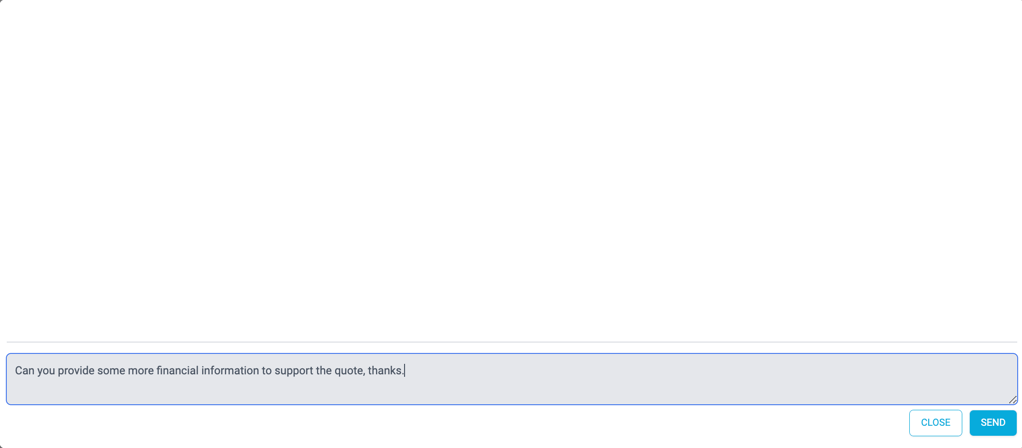
The broker will be alerted via email.
Access Conversation via Email
When a broker responds or adds a new message, you will be notified via email. It will show you the message:
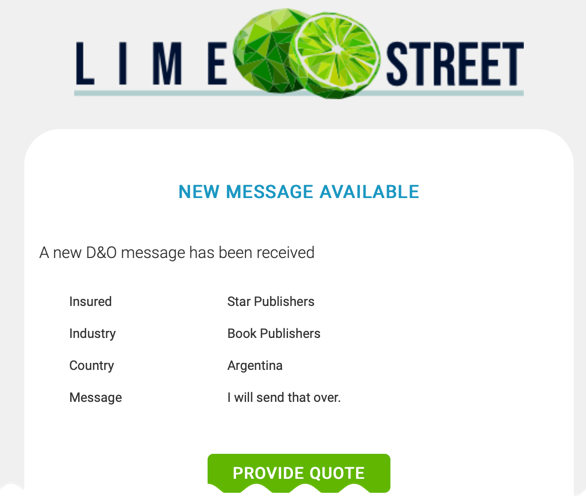
To view the full conversation history, press the Provide Quote button to load the Submission page and press the Conversation button at the bottom: