The Upload and Bind feature is one of the methods of binding a quote, the alternative feature is Stamp and Bind.
This article is for Underwriter users.
An underwriter user can download the unstamped binding slip on a For Stamping quote and stamp the slip before uploading.
Once ready to bind the quote, in the Quote List use the Actions menu for a quote with the status ‘For Stamping’:
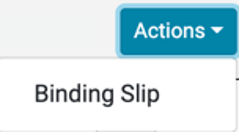
Select the Binding Slip option.
This will take you to a Binding Overview page where you can Stamp the quote and set it to Bound.
Example of Binding Overview Page:
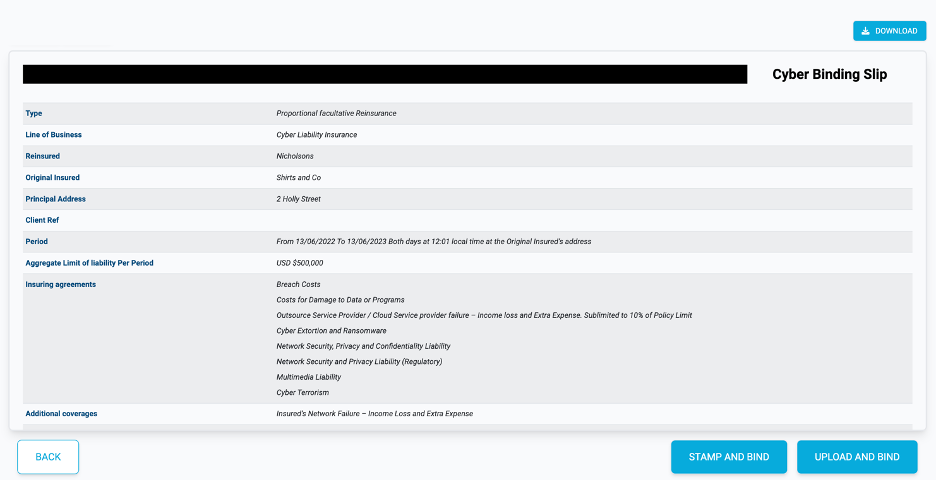
Download
If you want to stamp the Binding Slip externally to the Lime Street Market Place Control Panel, then you can download the unstamped slip and proceed to add your stamp.
Press the Download button:

Once downloaded, you can add the correct underwriting stamp to the slip.
Upload and Bind
Once ready to upload the signed document, you can use the Upload and Bind button to add the stamped Binding Slip into the system:

Select the file in the file explorer window and press Open.
Once successful, the quote will change to Bound status and the file will be uploaded as the stamped Binding Slip.