If the customer decides to proceed with the quote from a particular carrier, you can change the status of a Quoted quote to For Stamping, this will inform the underwriter that the quote is accepted and ready to be stamped and, subsequently, bound.
Note – only Senior Brokers can access Request Bind
The
Request Bind option can be found in the
Quote Overview page for a quote in
Quoted status.
Accessing The Quote Overview Page
In the
Quote List page press the
Actions button for the quote:
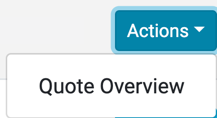
This will display the Quote Overview page.
Example of Quote Overview Page:
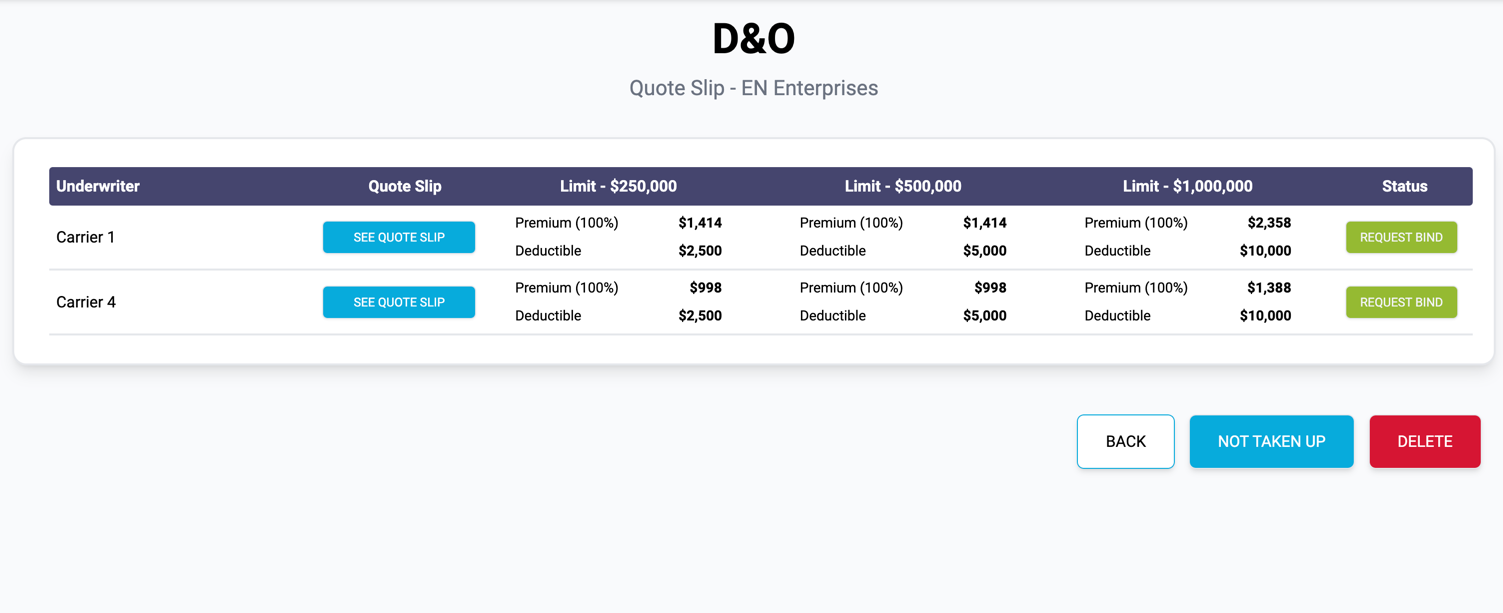
In the Quote Overview page, press the Request Bind button for the Underwriter’s quote you wish to proceed with:

This will display the Bind Quote page.
Bind Quote
Example of Bind Quote page:
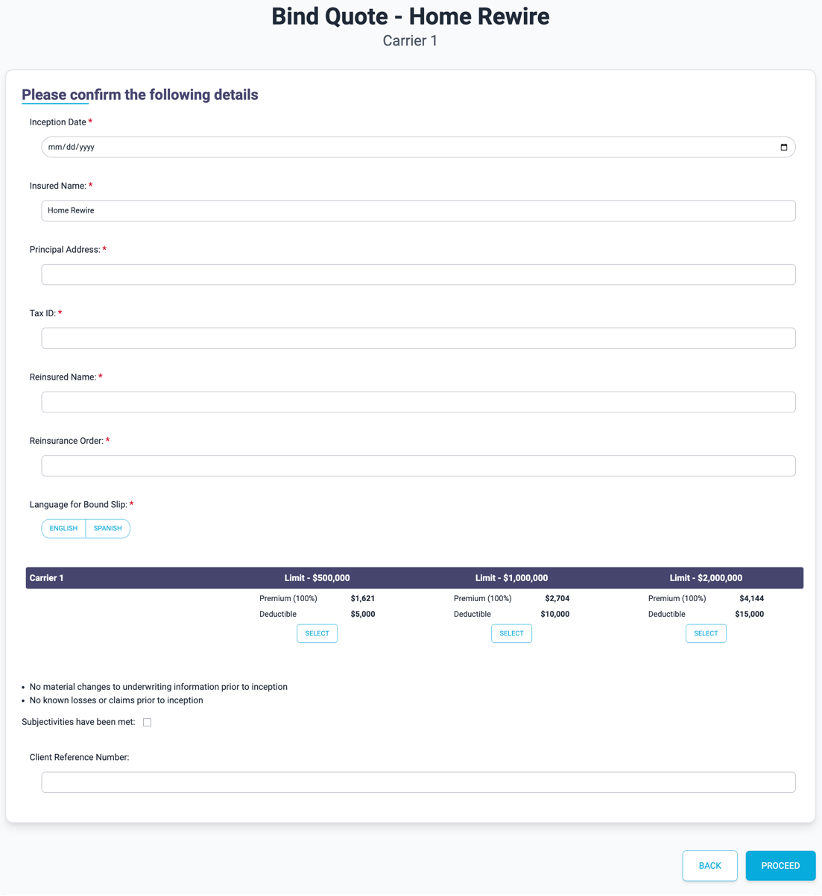
Work your way through the form and fill in the fields in each section.
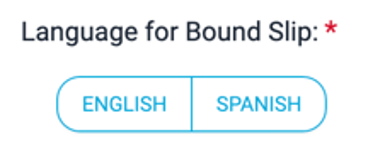
Use the language option buttons to select the language the slip will be bound in:
Select a Quote Option by pressing the Select button under the selected option, the button will change to blue.
All mandatory fields on the form are highlighted with a red asterisk, ensure these fields are completed:

Press the Proceed button when the fields are filled in. The quote will change from
Quoted status to
For
Stamping.
The selected carrier will then continue the quote process and stamp it, changing the status to
Bound.