For quotes with the status 'For Stamping', you may want to download the Binding Slip so you can add a stamp to the document before uploading and binding it. Alternatively you can use the Stamp and Bind feature to have the system automatically stamp the slip.
This article is for Underwriter users.
in the Quote List use the Actions menu for a quote with the status ‘For Stamping’:
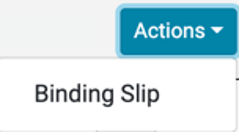
Select the Binding Slip option.
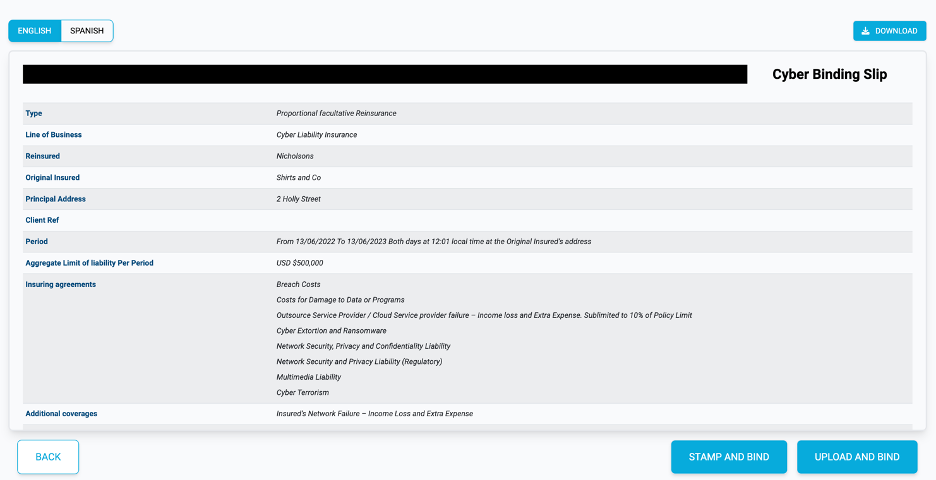
This will take you to a Binding Overview page.
Example of Binding Overview Page:
Language Options
Switch between English and Spanish using the language options buttons:

Select English before downloading to get an English version of the slip. Alternatively, press the Spanish button before downloading to get a Spanish version of the slip.
Download Binding Slip
Once you have selected the correct language, download the Binding Slip PDF by pressing the Download button:

You can then add your appropriate underwriting stamp to the slip and use the
Upload and Bind button to proceed in binding the quote.