Documents added to a quote or risk can be accessed via the Firm Order email sent to a low touch underwriter. The documents are available during the binding process and also after the quote has been bound.
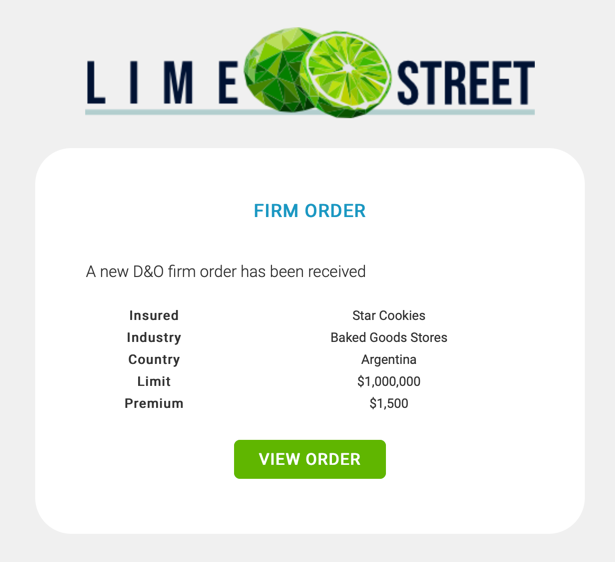
Open the Firm Order email and press the View Order button. This will present the online binding page.
Binding Process
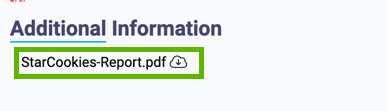
During the binding process, any attached documents are available in the Additional Information section at the bottom online binding page:
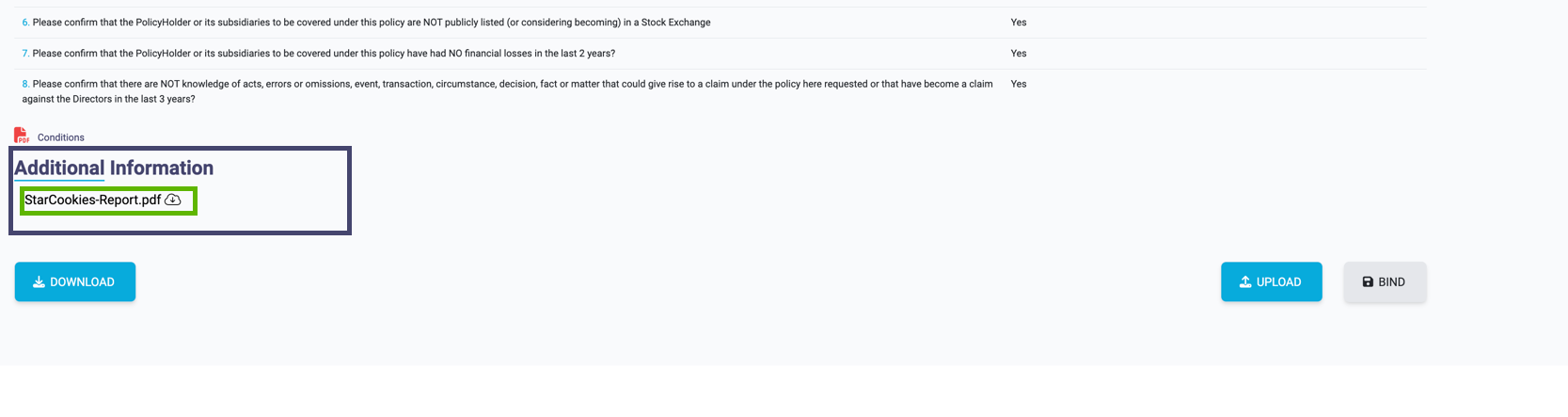
Scroll down to find the section.
A file can be downloaded and viewed by clicking on the file name.
Bound Risk
After the quote has been bound, the attached documents are still available and can be accessed via the Firm Order email that was previously sent to you requesting the bind.
Click on the View Order button and you will be taken to the online Binding Page. At the bottom of the page you will see a message indicating: This Order has already been bound.
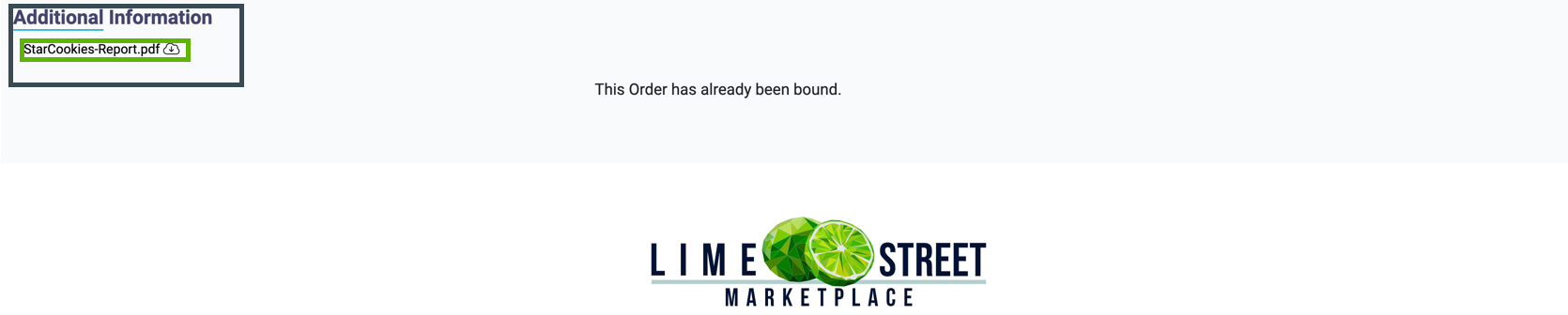
Above this message is the Additional Information section where you will find any documents that were attached during the quoting process.
Scroll down to find the section.
A file can be downloaded and viewed by clicking on the file name.