This article is for Underwriter users. Broker users are unable to add stamps.
As an underwriter user, you can add your own underwriter stamps into the Lime Street Marketplace Control Panel, this will enable you to use the automatic Stamp and Bind feature in Quotes and the Select Stamp feature in Endorsements.
Note – the ‘Stamp and Bind’ button in the Binding Overview page and the Select Stamp section in the View Endorsement page will not be available until you add at least one stamp.
Accessing Stamps Management
In the top menu, use the Settings>Stamps option

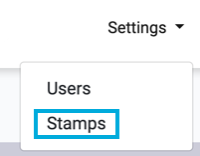
This displays the Stamps List for your user, when go to the page for the first time it will show an empty list:

Add Stamp
To add a new stamp, press the New button:

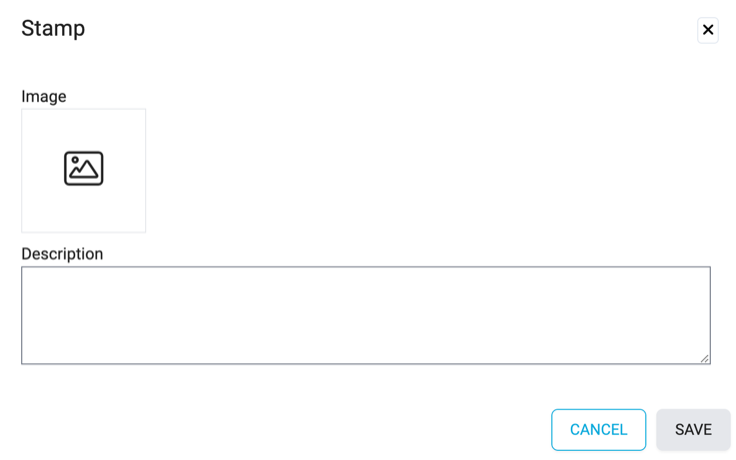
Press the image icon. Select the file in the file explorer window and press Open.
Back in the Add Stamp screen you can enter a description for the stamp:
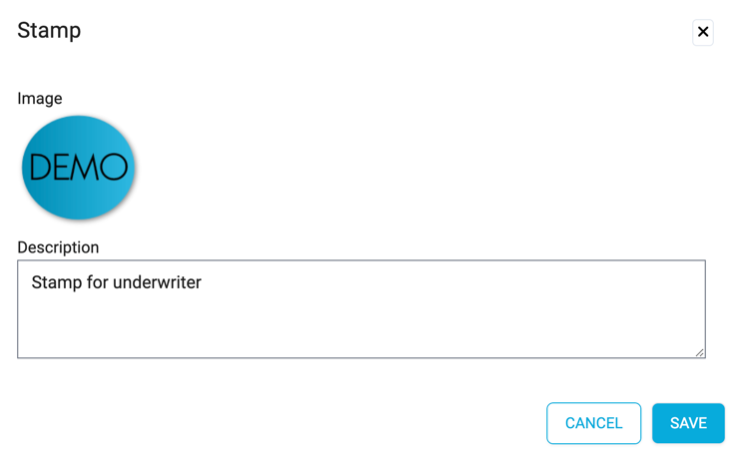
To proceed press the Save button:

You are returned to the Stamps List:
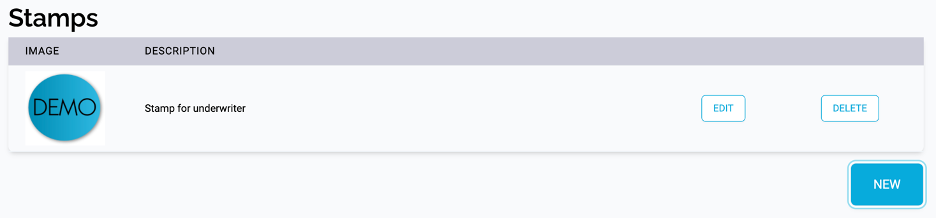
Repeat the process to add all your stamps.