If the customer decides not to proceed any further with the quote, then you can change the status of a VRI or Quoted quote to Not Taken Up.
Access Quote Overview Page
Access the Quote Overview page via the Actions menu for a quote in the Quotes List page:
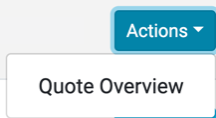
Example of Quote Overview Page:

Not Taken Up
In the Quote Overview page press the Not Taken Up button:

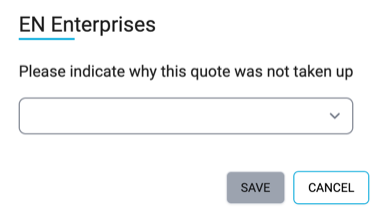
Select a reason for the quote not being taken then press Save.
The quote will now change status to Not Taken Up.