If a quote has been Referred, an underwriter user can choose to decline the quote and change it to Declined status.
In the
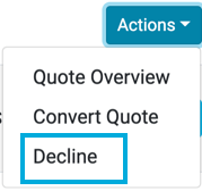
Quote List use the Actions menu for the quote, select Decline:
You will be asked the reason for rejecting the quote:
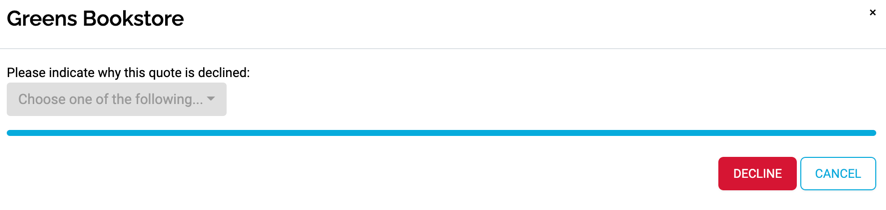
Select a reason from the dropdown and continue by pressing the Decline button.
The quote is then rejected and put into
Declined status.