This article is for Underwriter users. Broker users are unable to edit endorsements.
Underwriter users can edit an Open endorsement. In the
View Endorsement page, press the Edit button:
Example of Edit Endorsement Page:
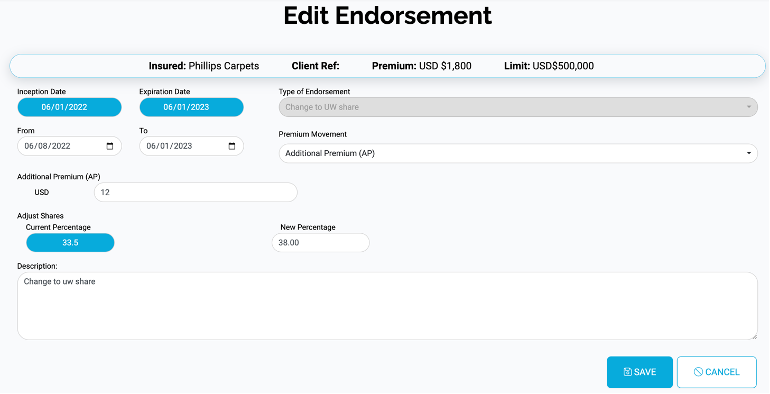
The form displays the values the broker has entered during the create process. Change the values as required. Note that you are unable to change the value of Type of Endorsement.
Mandatory Questions
Mandatory fields are highlighted with a red asterisk:

Additional Questions – Endorsement Type
Depending on the Endorsement Type selected, different questions may be displayed. These questions will allow you to enter, for example, different types of dates and additional information needed for the endorsement type.
Example of Date Field in Edit Endorsement:
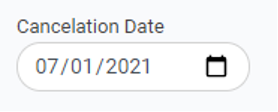
Example of Additional Question in Edit Endorsement:

Additional Questions – Premium Movement
Depending on the Premium Type selected, a further question may be displayed. This will allow you to enter a monetary value for the premium.
Example of Premium Field in Edit Endorsement:

Save Endorsement
Once you have updated all the relevant questions, press the Save button at the bottom of the page: